
Inbox Previews
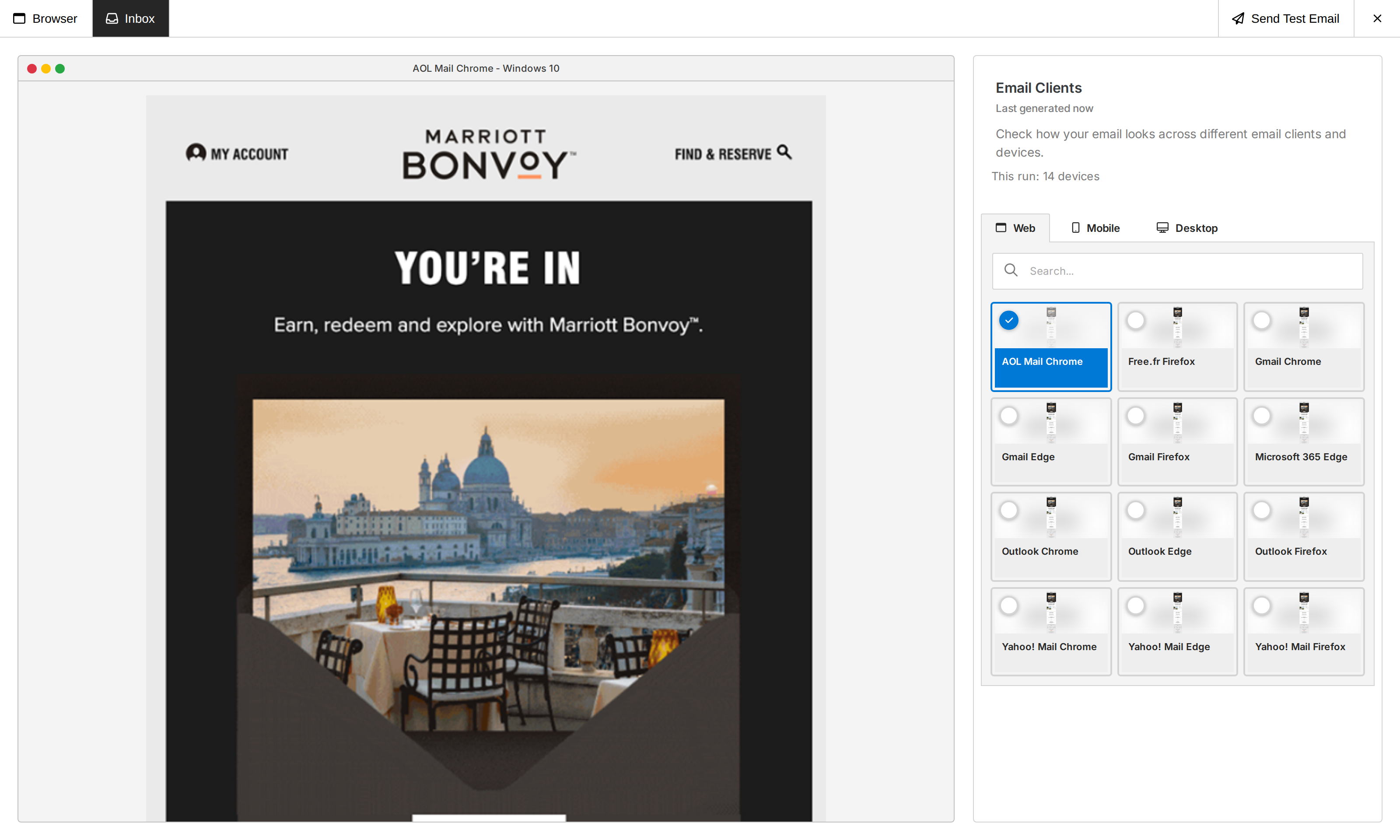
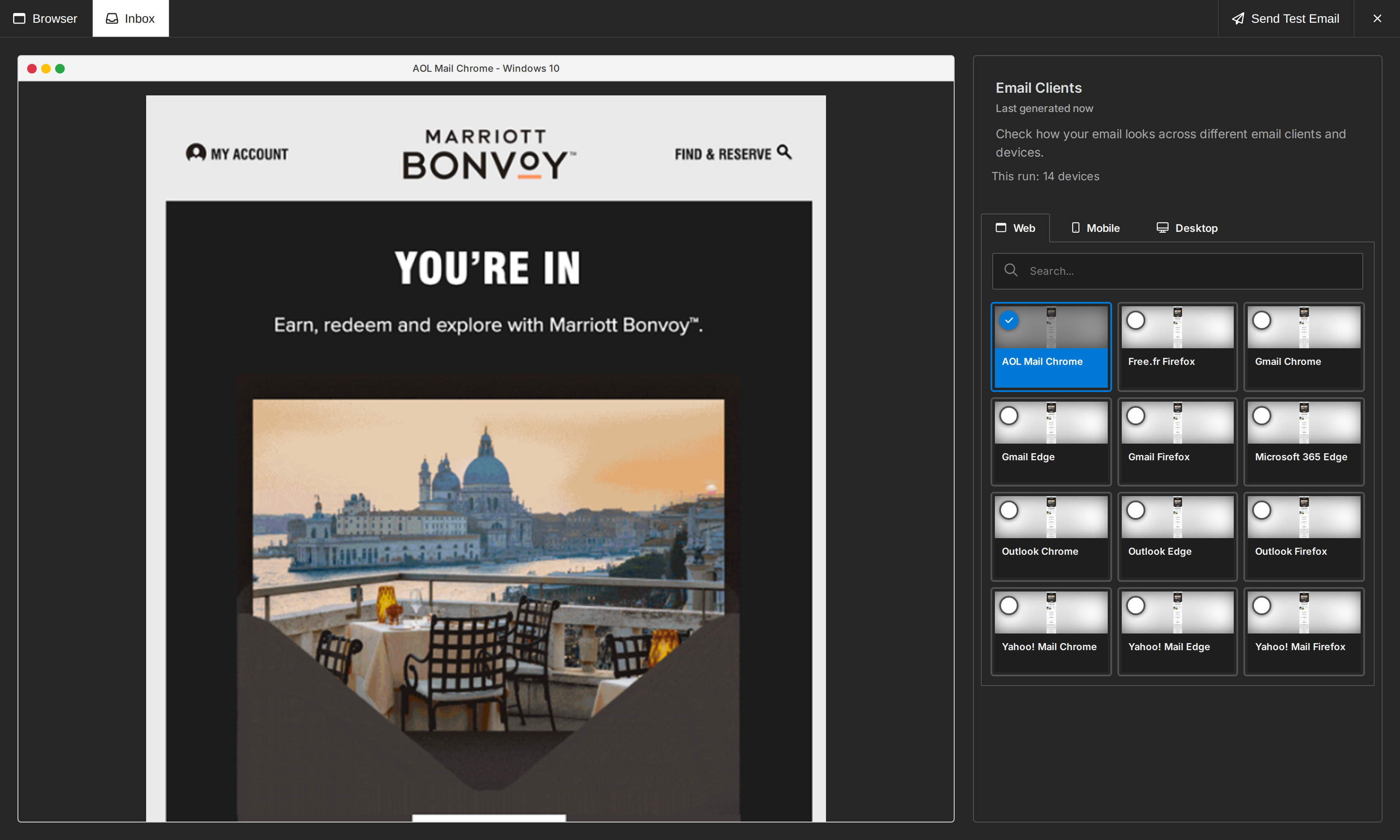
Inbox Previews show your users how an email renders across different email clients before they send it.
Enable Inbox Previews
Enable the feature with the boolean features.inboxPreviews option:
unlayer.init({
  id: 'editor-container',
  displayMode: 'email',
  projectId: 1234,
  features: {
    inboxPreviews: true,
  },
});
Your plan must include Inbox Previews for the Inbox tab to appear.
Generate previews
Open Preview, select Inbox, then select Generate Previews. The editor generates previews for the email clients enabled for the project and groups the results by Web, Mobile, and Desktop.
Usage
Until September 7, 2026 at 00:00 UTC, this pinned version keeps its existing Inbox Previews behavior and account-default clients, without the new device, generation, credit, or spending limits. At that time, new generations switch to the current Inbox Previews experience automatically; previously generated results remain readable. The usage and safety rules below apply after that switch.
Each selected email client counts as one unit of Inbox Previews usage. Usage for the current billing period is available in Console under Usage.
Your plan sets the billing-period allowance and the maximum number of clients in one run. Purchased credit packs keep the amount shown when they were purchased.
Paid plans allow up to 20 email clients in one run. Free plans allow up to three when Inbox Previews is explicitly enabled. Customer Success can configure an account-specific exception, but the platform never accepts more than 20.
The complete configured selection is used or the request is rejected; email clients are never silently omitted.
If the preview service does not confirm whether it accepted a generation, no usable previews are returned and the reserved credits are returned to your allowance. If the credits could not be confirmed as returned, the editor says so; ask your account administrator to contact Unlayer Support if they are still counted after a few minutes.
This editor version does not show usage details before generating, but the server still checks the complete run against the current allowance before any previews are created. Upgrade to a newer editor version for clearer usage information and error messages.
Short request limits and a monthly project safety allowance stop excessive provider usage before generation. Blocked requests use no preview renders.