
Inbox Previews
Inbox Previews show your users how an email renders in real email clients before they send it. In the editor, open Preview → Inbox and select Generate Previews. Each email client in a run costs one credit.
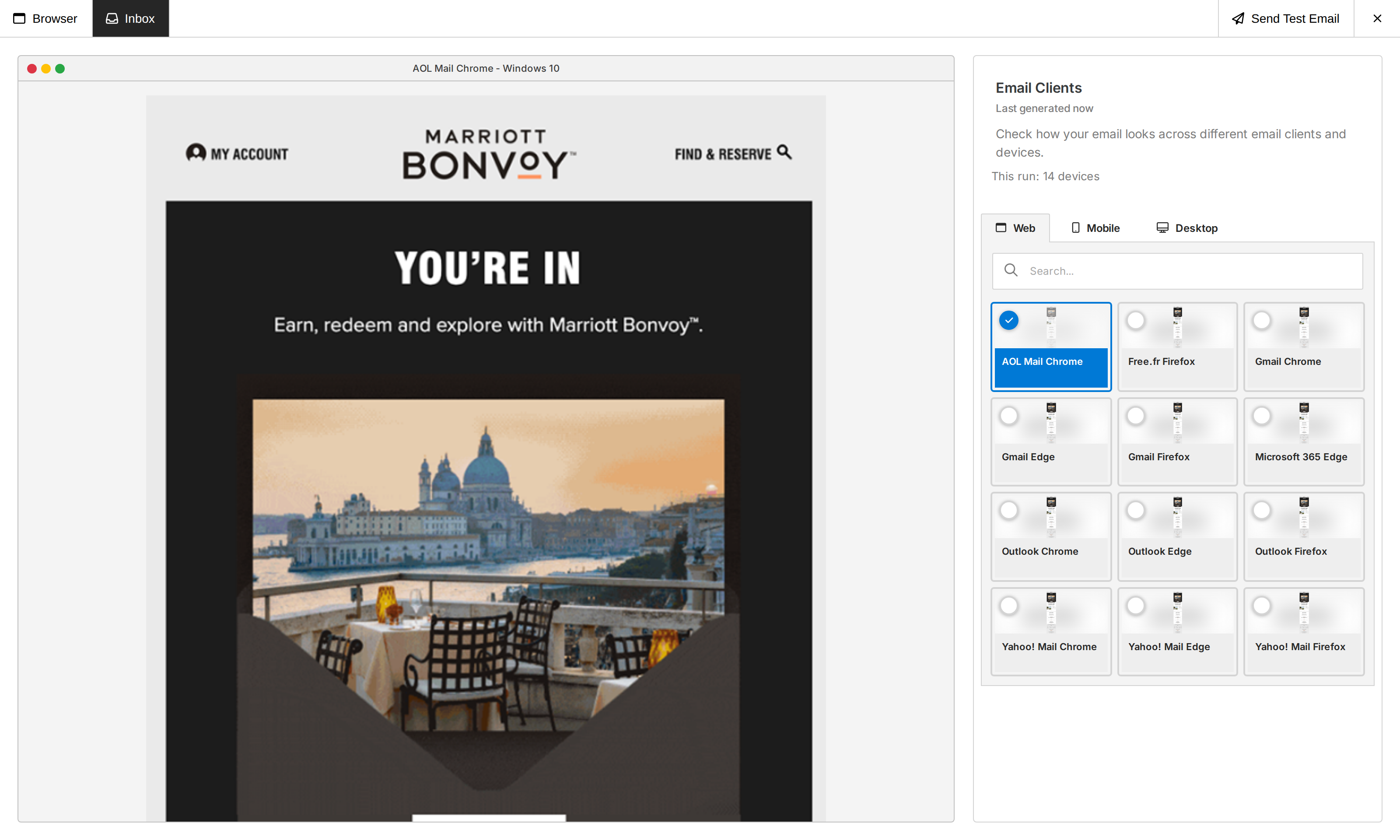
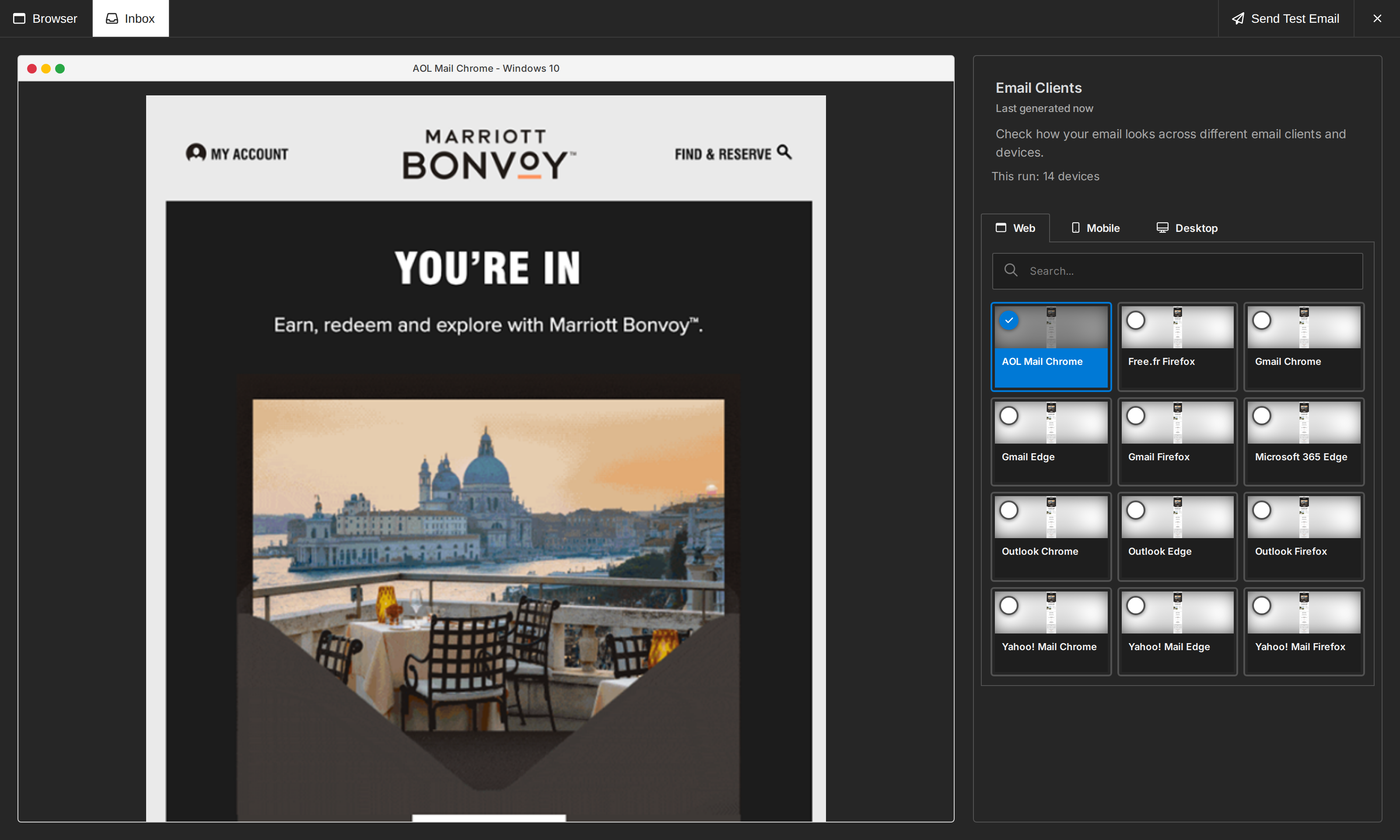
Those editors keep the previous Inbox Previews experience until September 7, 2026 (00:00 UTC): the account's default email clients and one credit per run. On that date they switch to the experience described here on their own, with no version change on your side. Previews generated before the switch stay available.
Choose the default email clients
In Console, open the project and go to Builder Settings → Inbox Previews. Pick the email clients your users start with and the region where previews are processed. Filters show how many clients are selected per platform, for example 15/104.
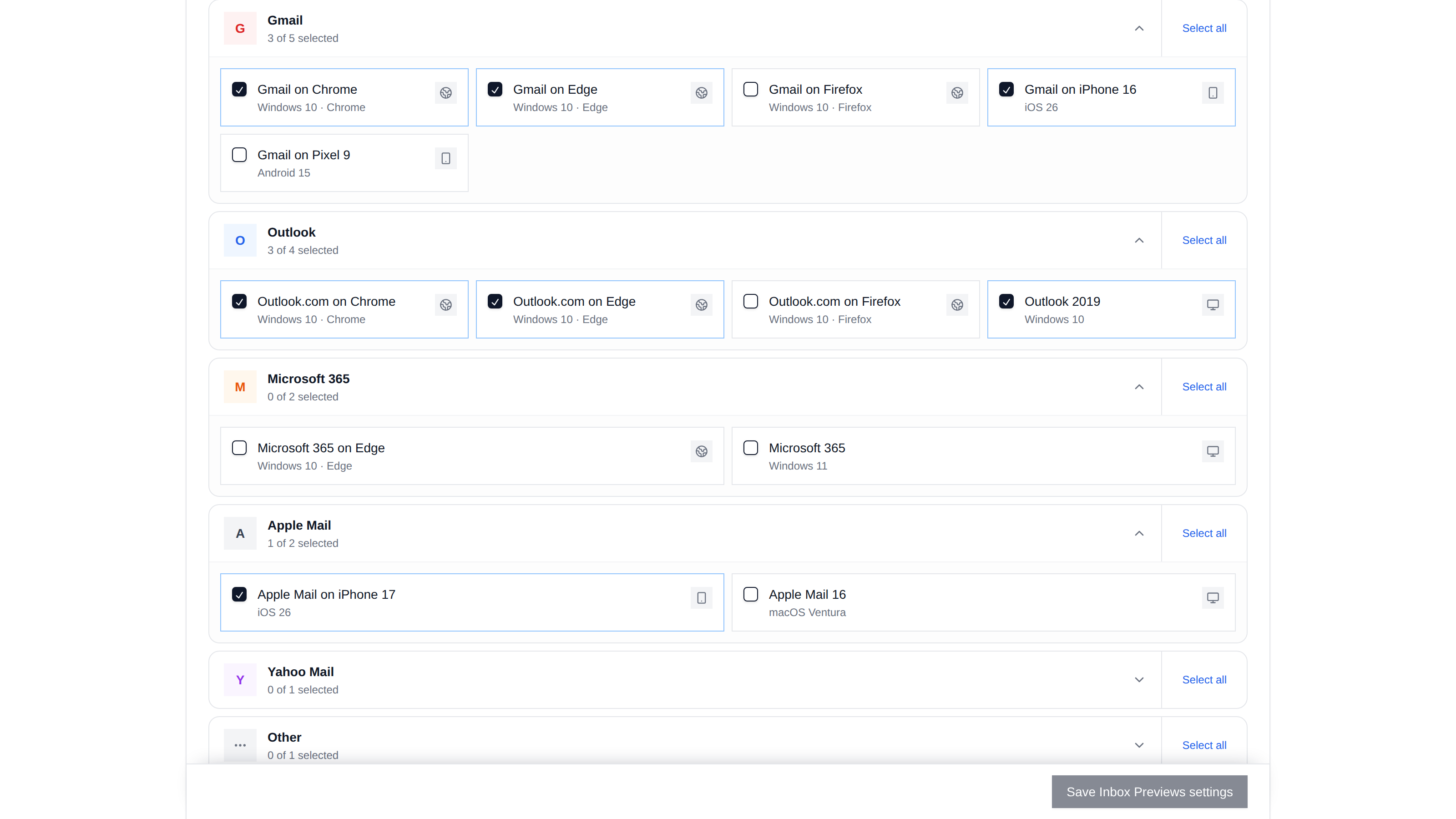
These are project defaults. Any editor can override them with init config. Before a run and beside its results, the Inbox panel shows how many clients the next run previews, for example This run: 6 devices; editors opened from Console also get a Manage email clients link there. Embedded editors never show the link.
Override the project defaults
Use features.inboxPreviews to give one editor its own clients or region:
unlayer.init({
  id: 'editor-container',
  displayMode: 'email',
  projectId: 1234,
  features: {
    inboxPreviews: {
      enabled: true,
      clients: [
        'gmailcom-lm_chrcurrent_win10',
        'iphone16gmail_26',
        'outlook19',
      ],
      dataRegion: 'eu',
      usageTemplateId: 456,
    },
  },
});
clientsreplaces the Console selection for this editor. The whole list runs or the request is rejected; no client is silently dropped. Omit it to keep the project default.dataRegionisusoreu. Omit it to keep the project default.usageTemplateIdtags this editor's runs with a template ID in the usage report. It doesn't load anything.inboxPreviews: truekeeps the project defaults;inboxPreviews: falsehides the feature.
Email client IDs come from the Inbox Previews API, which also lets you change the project defaults from your backend.
Usage
Every email client in a run costs one credit. Three clients, three credits.
With credit enforcement on, the editor shows the cost and your balance before generating. It never runs a partial selection.
- Retrying a failed preview is free.
- Generate new previews starts a new paid run.
- At zero balance, the Inbox tab turns read-only.
See your usage in Console
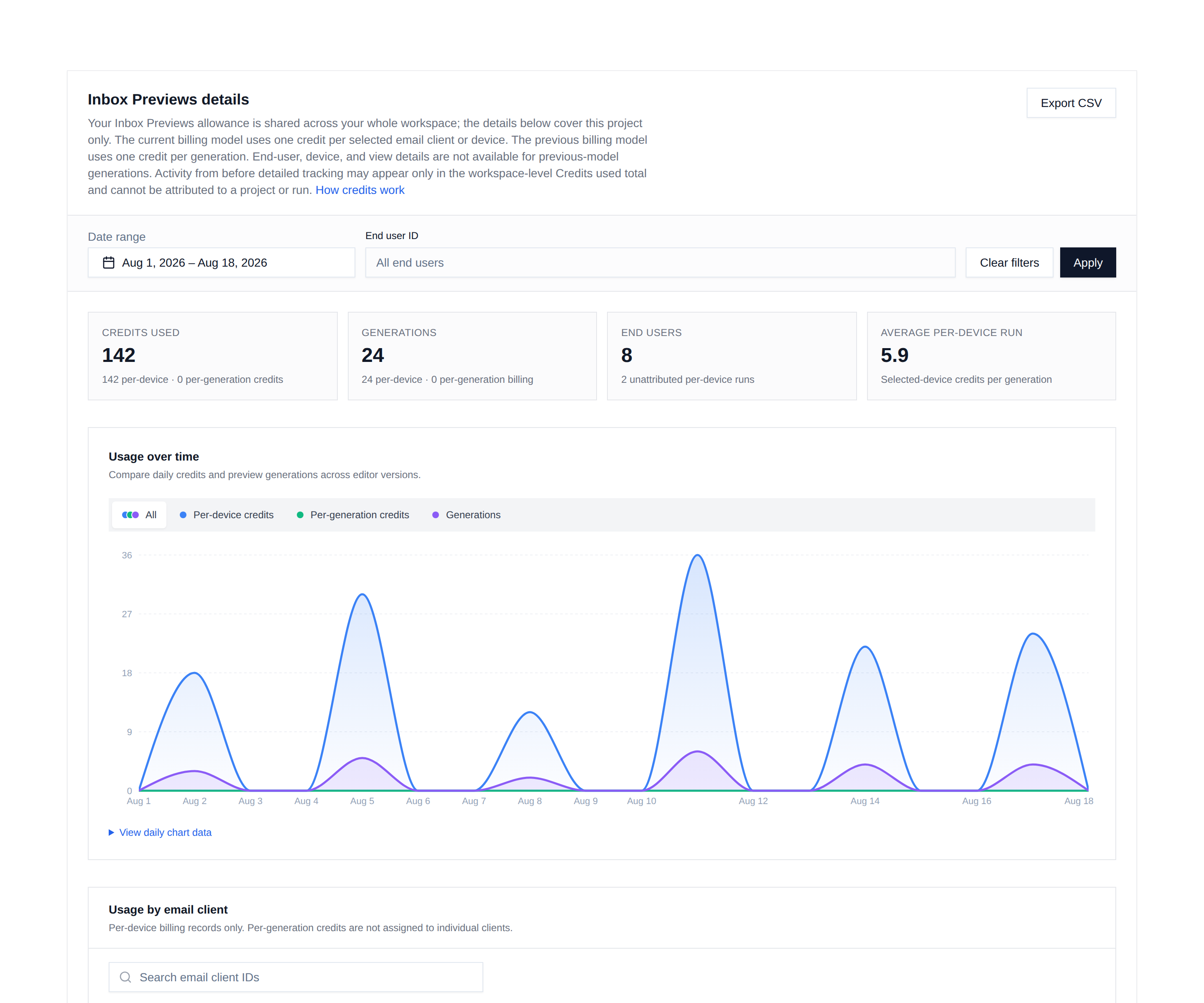
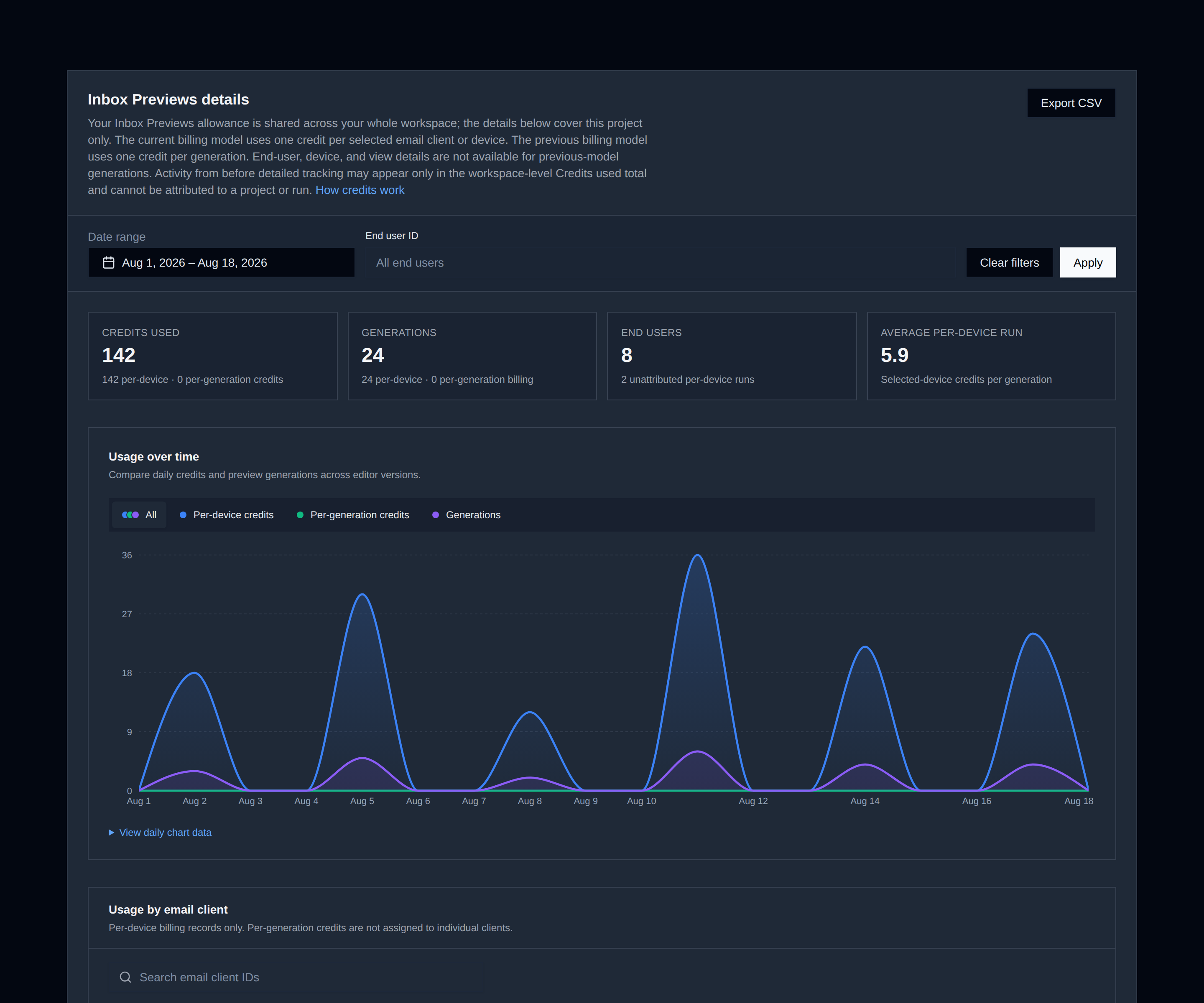
Open the project's Usage page in Console. It lists every generation and its credits, with breakdowns by email client and by end user, and a CSV export.
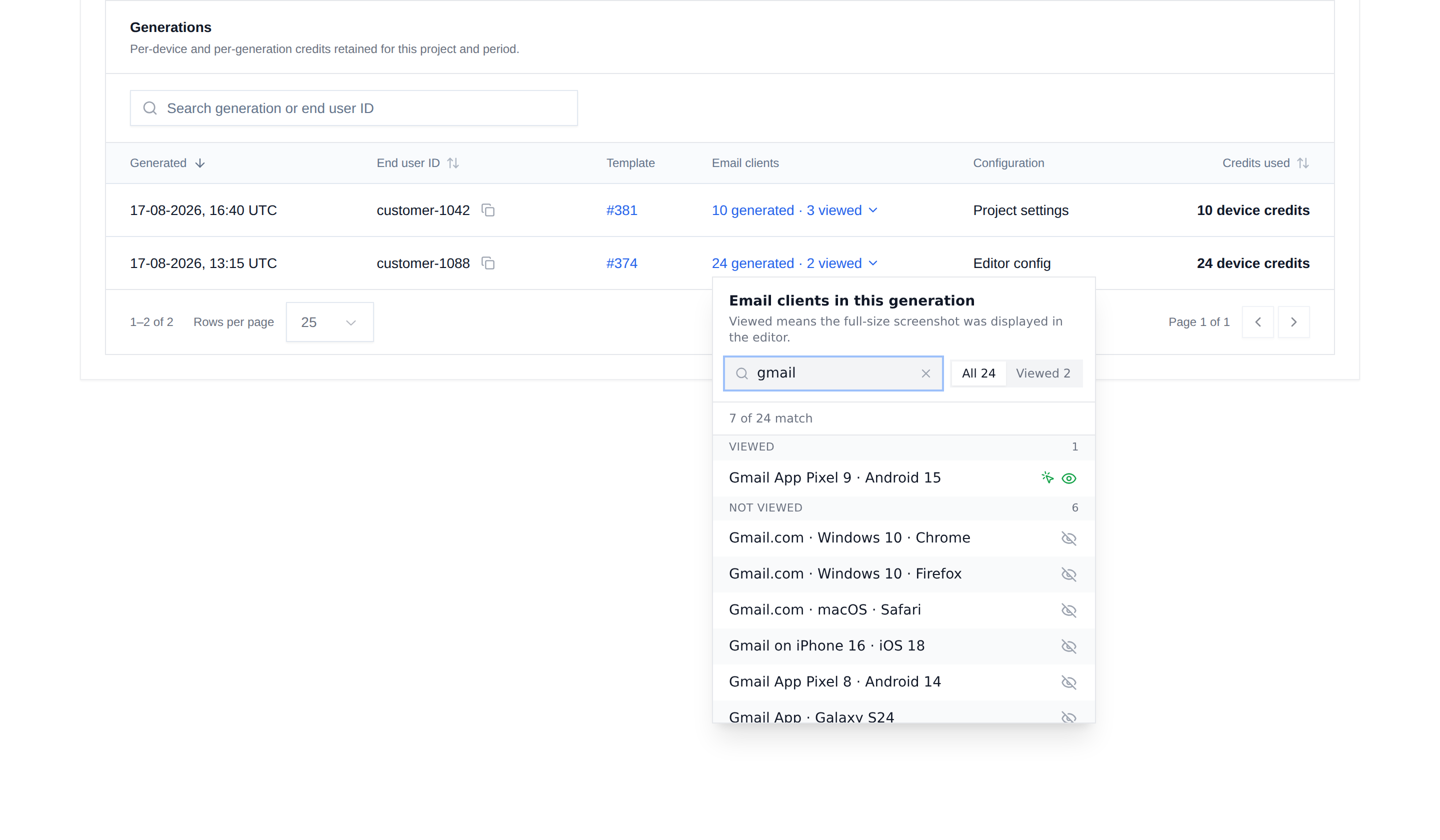
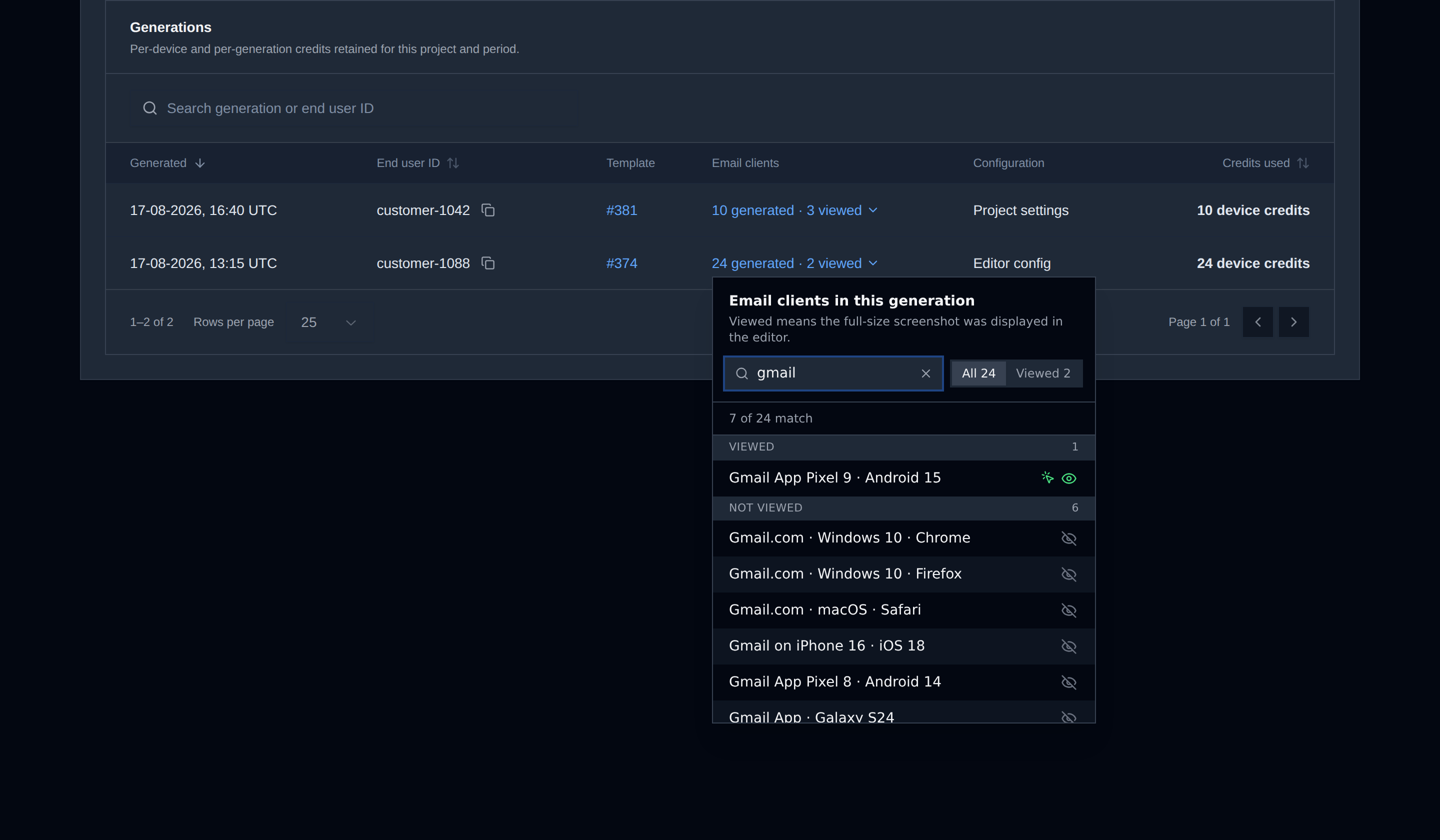
Click a generation's client count to see which clients were in the run and which ones your users actually looked at. Viewed clients come first with an eye icon; a crossed eye means nobody opened that one. A click marker means someone picked that thumbnail on purpose, a skip marker means they reached it by navigating the gallery, and no marker means the editor showed it by default.
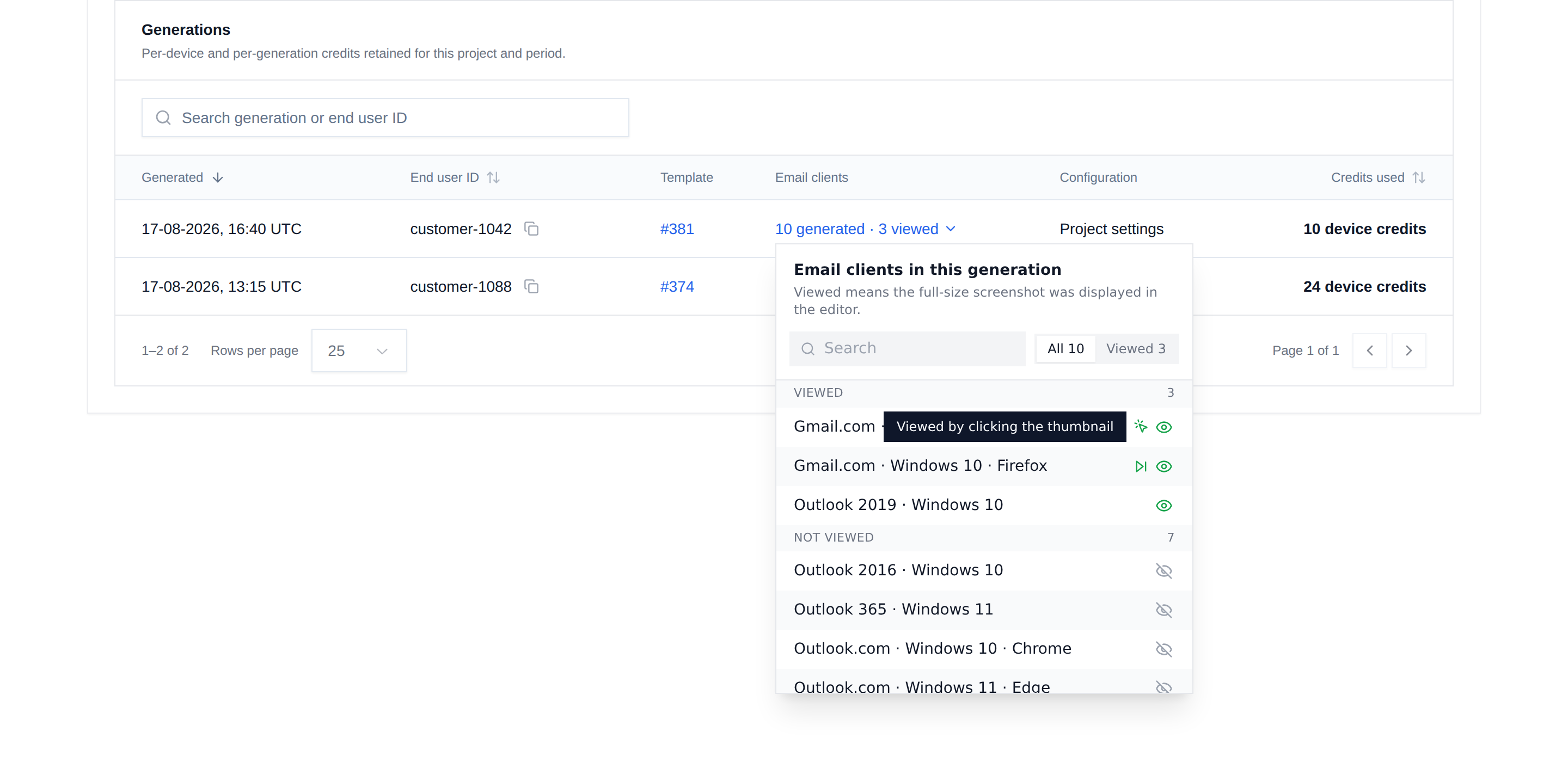
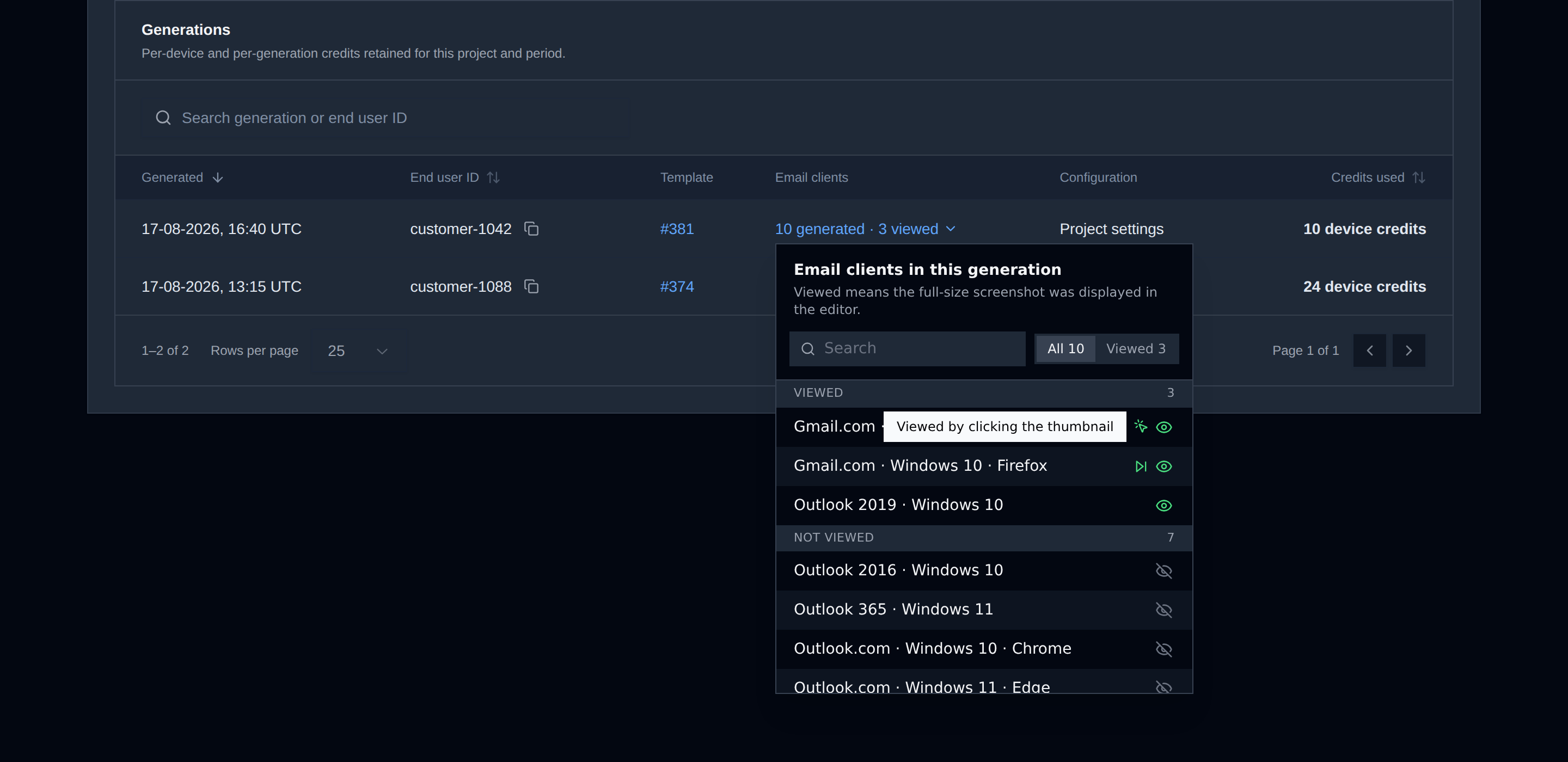
Long runs are searchable.
To attribute usage to your users, pass a stable user.id in
unlayer.init.
Know what your users look at
The editor fires inboxPreview:viewed whenever a generated screenshot is shown to the user.
unlayer.addEventListener('inboxPreview:viewed', function (data) {
  console.info(data.clientId, data.viewSource); // 'outlook19', 'gallery_click'
});
| Field | What it is |
|---|---|
runId | Shared by every screenshot of the same run |
clientId | Email client ID, plus displayName, category, browser, operatingSystem |
viewSource | automatic, gallery_click, or navigation |
autoSelected | true when the editor picked the screenshot itself |
endUserId | The user.id from unlayer.init, or null |
A client fires once per view source, so count unique runId and clientId pairs. The screenshot
and the email HTML are never included.
Good to know
- Paid plans allow up to 20 email clients in one run, Free plans up to three when Inbox Previews is enabled. Customer Success can set an account-specific exception, never above 20. A selection over the limit is rejected before anything is generated.
- Extra credit packs need a current paid plan that includes Inbox Previews. If a plan change removes the feature, pack credits wait until it comes back.
- If the preview service doesn't confirm a generation, no previews come back and the reserved credits return to your allowance. Wait a few minutes before starting another run.
- View data exists only for recent editor versions. Older generations show views as unavailable, not zero. Views are analytics, not billing records.
- The CSV adds
viewed_email_client_ids,automatically_viewed_email_client_ids,interactively_viewed_email_client_ids,click_viewed_email_client_ids,navigation_viewed_email_client_ids, andview_tracking_available. - Retrying a failed preview doesn't cost credits, since that client was already paid for in the run. It does render again on our side, so retries count toward the project's monthly safety allowance.
- End-user attribution is kept for 13 months. Remove one user's attribution earlier through the Inbox Previews API.
- Email HTML is never stored in the usage report or shared with provider support.
Limits
Each project has short request limits and a monthly safety allowance for device renders. When a limit is reached, the editor says which one and what to do: wait, reduce the selection, upgrade, or ask your account administrator to contact Customer Success.
Blocked requests are stopped before anything is generated, so they use neither credits nor renders.
When the service knows when a limit resets, the response carries a Retry-After header.