
Team Collaboration
This feature is only available in paid plans. Learn More
Team Collaboration turns the builder into a shared review workspace. Instead of pushing design feedback into email chains, screenshots, and chat threads, your users discuss a design right on the design itself: anyone on the team can start a conversation anchored to the exact component it's about — a row, an image, a text block — and teammates reply in threads, flag items as feedback, ideas, questions, or urgent, and resolve discussions as the work gets done.
The entire review cycle — comment, discuss, prioritize, resolve — happens inside your application, with full context and a clear record of what's open and what's settled.
How it works
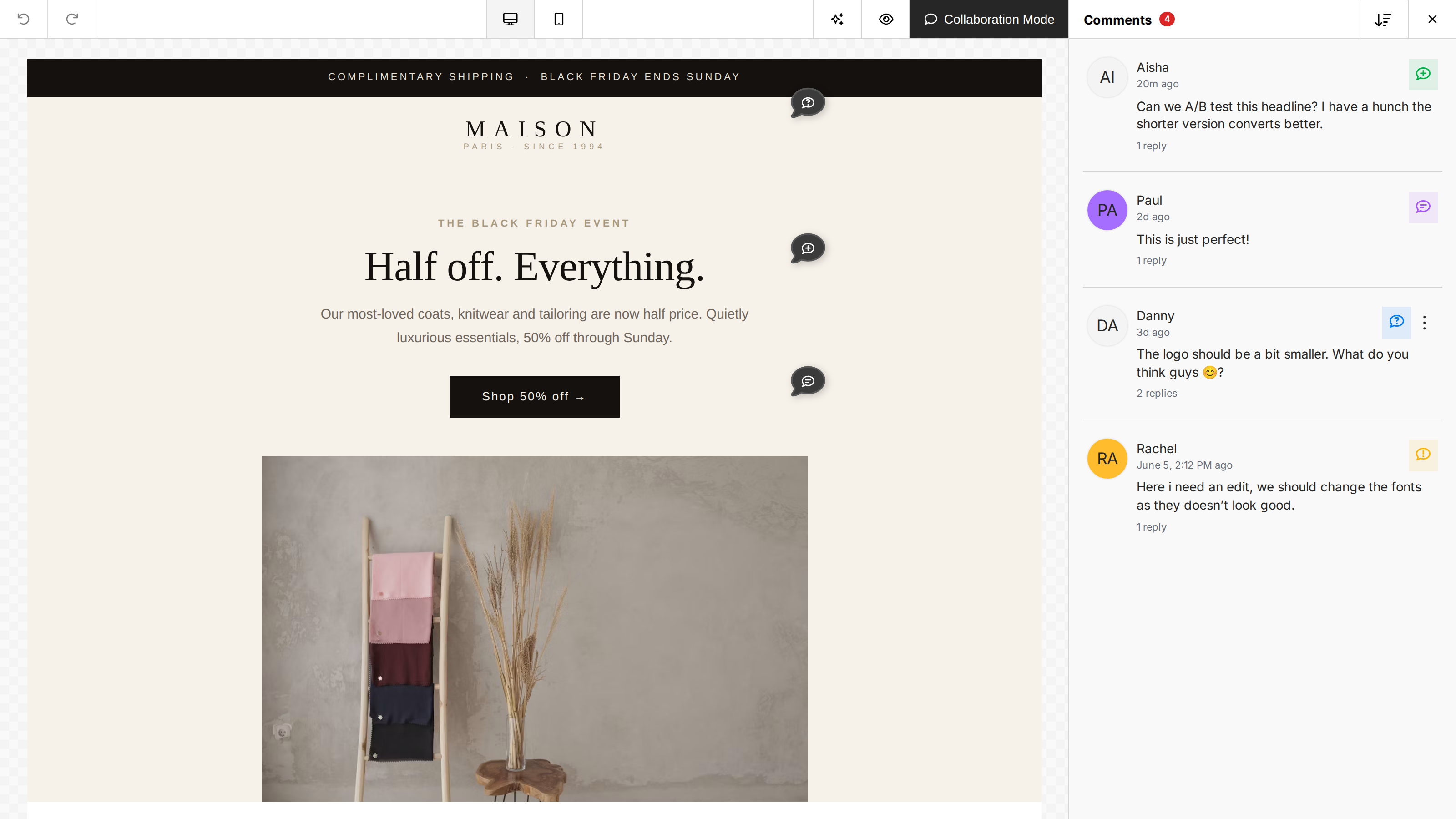
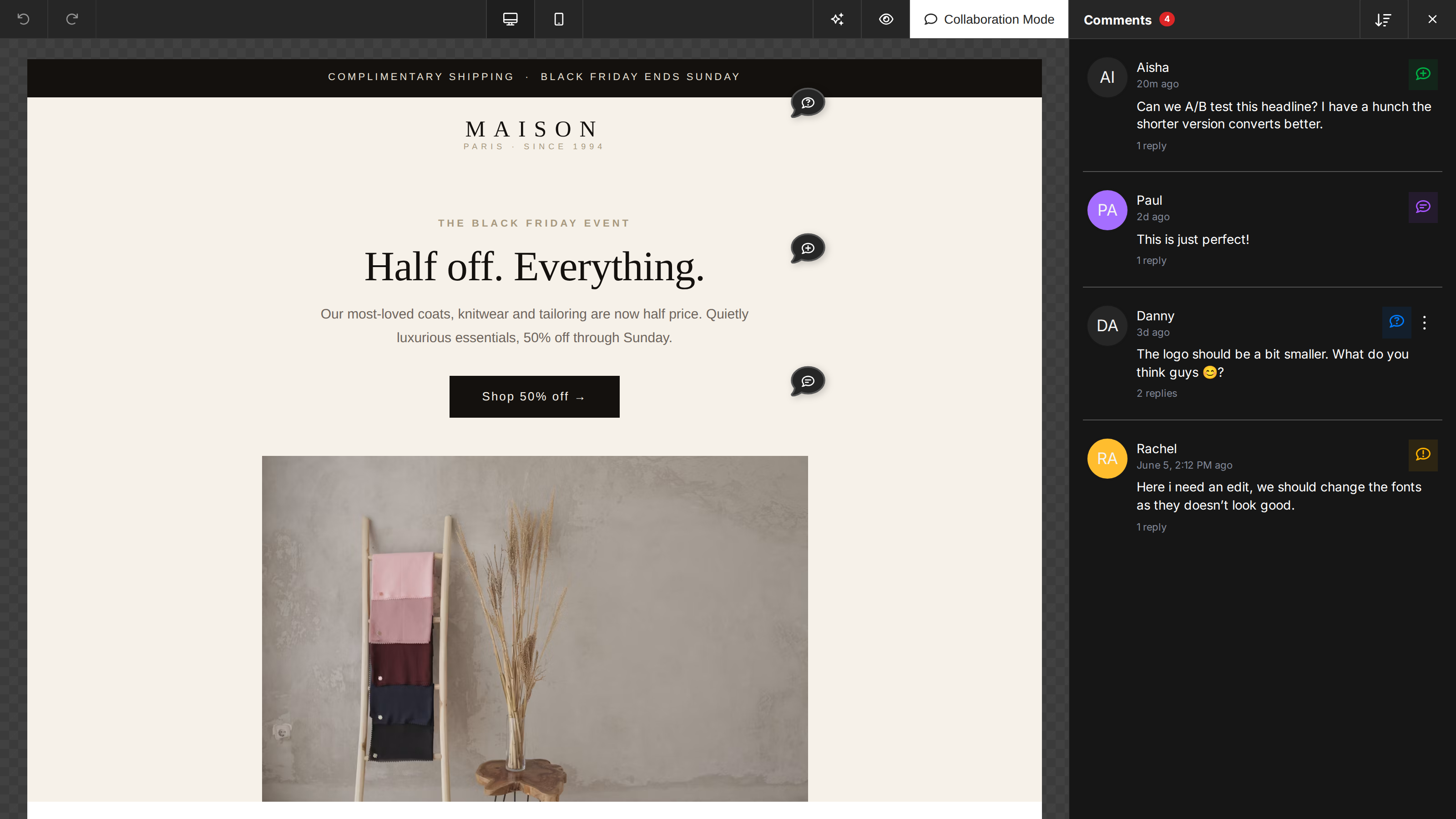
When collaboration is enabled, a Comments button appears in the builder's action bar, with a badge showing the number of open threads. Clicking it puts the builder into Collaboration Mode:
- A Comments panel lists every thread on the current design.
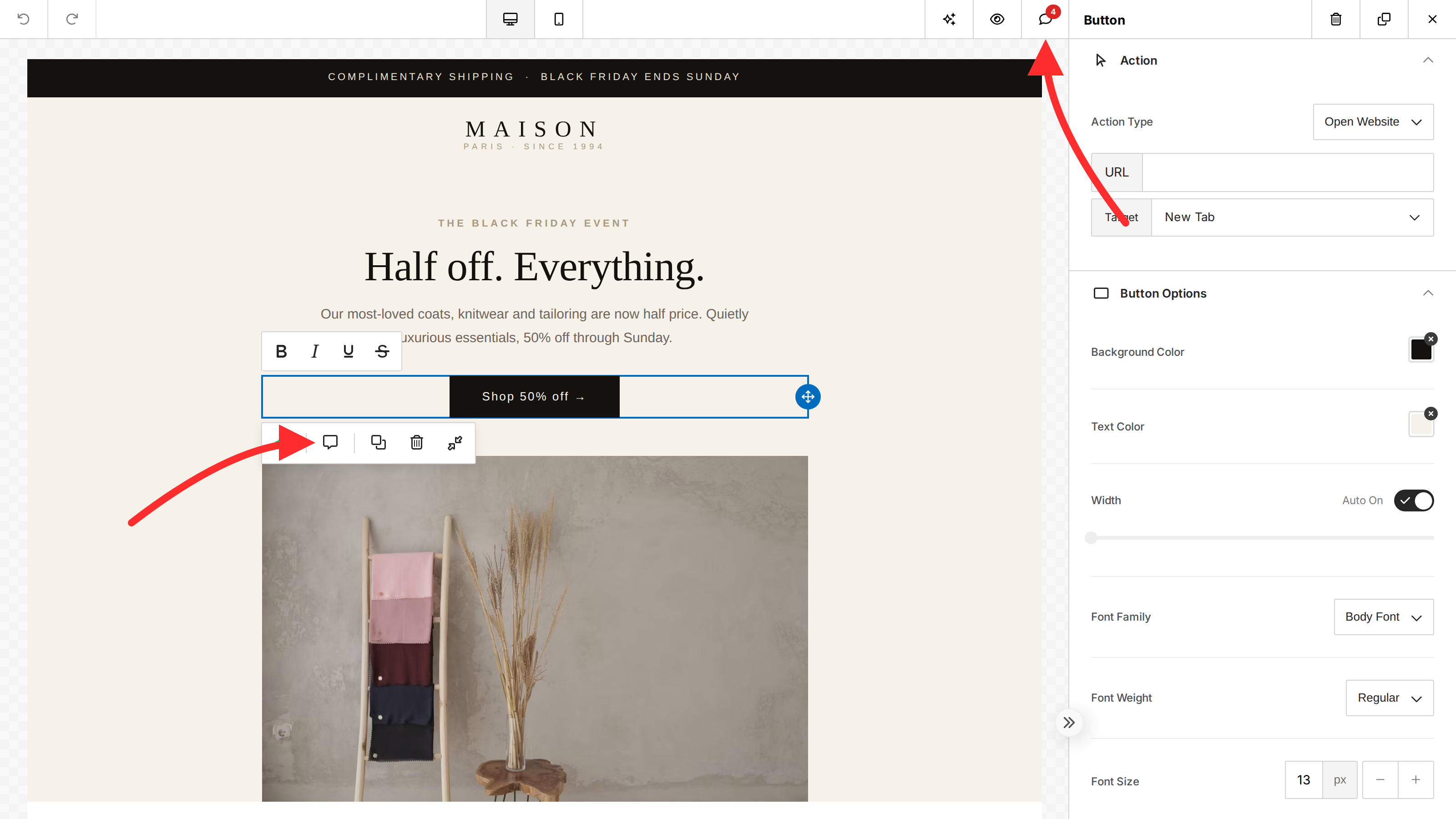
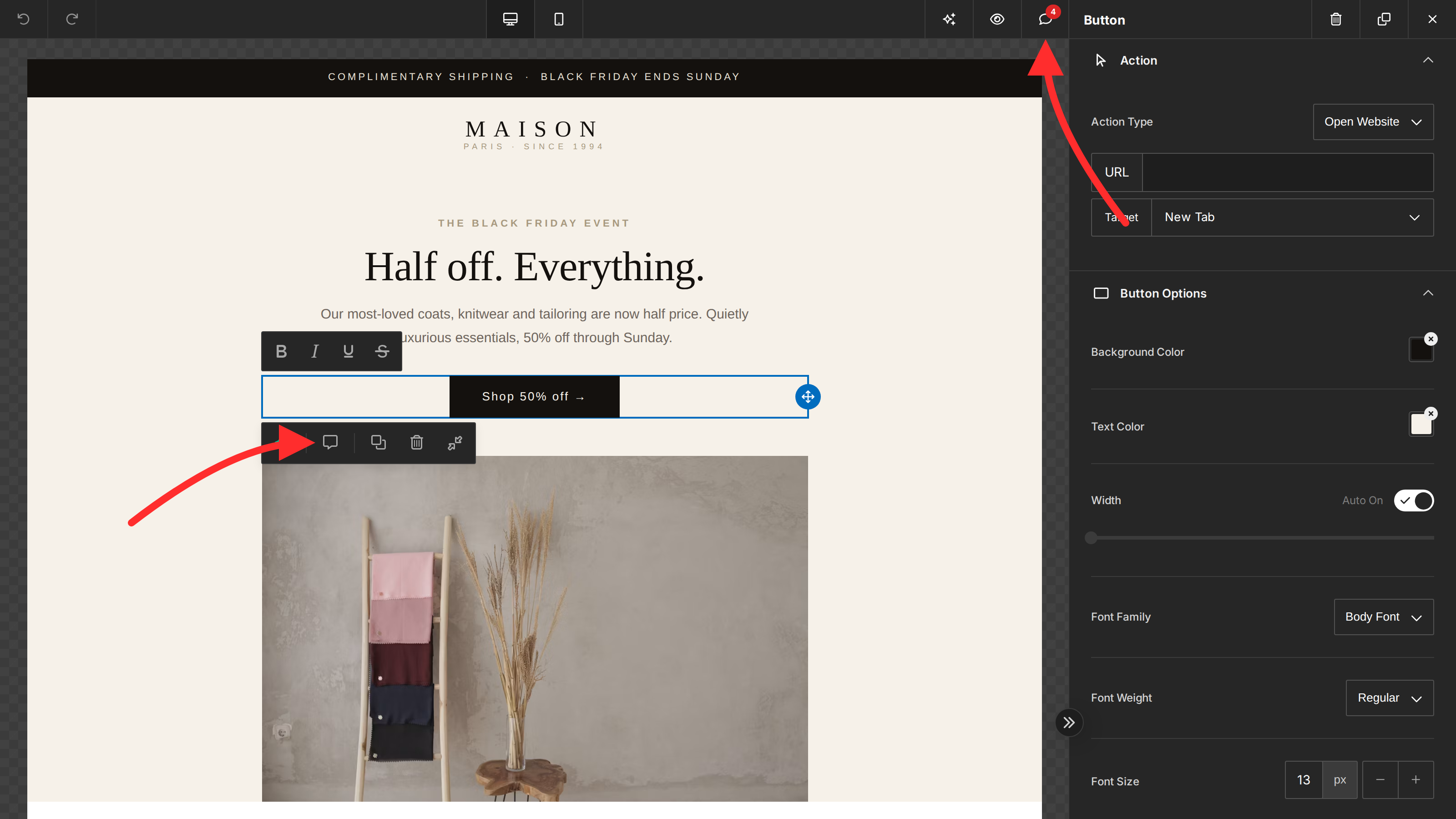
- Selecting any component opens a popover where users can read its thread or start a new one.
- Threads can be replied to, categorized, resolved, and filtered.
There are two ways into a conversation: the Comments button in the top action bar (which also carries the open-thread badge), and the comment button on a selected component's toolbar.
See Using Comments for the full walkthrough of the user experience.
Key concepts
| Concept | Description |
|---|---|
| Thread | A conversation anchored to one design component (itemId). Each thread belongs to a design (designId) and has a type and a status. |
| Comment | A single message inside a thread. The first comment starts the thread; later comments are replies. |
| Type | Each thread is categorized as feedback, idea, question, or urgent, each with its own icon. |
| Status | Threads are open or resolved. Resolving a thread hides it from the default list; it can be reopened later. |
| User | The author of each comment — the user you pass to unlayer.init(), with their name and avatar. |
Where comments are stored
By default, threads and comments are stored in Unlayer's cloud database and scoped to your project and design — no backend work required.
If you'd rather own and retain the data yourself, you can store threads and comments in your own database by registering providers and callbacks. See Custom Backend.
Next steps
- Setup — enable the feature and configure
unlayer.init(). - Using Comments — what your users see and can do.
- Custom Backend — store threads and comments in your own database.