
Minimap
The document minimap requires a plan that includes the Document Minimap feature.
The minimap is a floating thumbnail navigator that mirrors the document's pages alongside the canvas. It docks opposite the tools panel — so it sits on the right when the tools panel is on the left, and vice versa — and follows the canvas as the layout adapts. It gives end-users a quick visual overview of multi-page documents and lets them jump between pages with a single click.
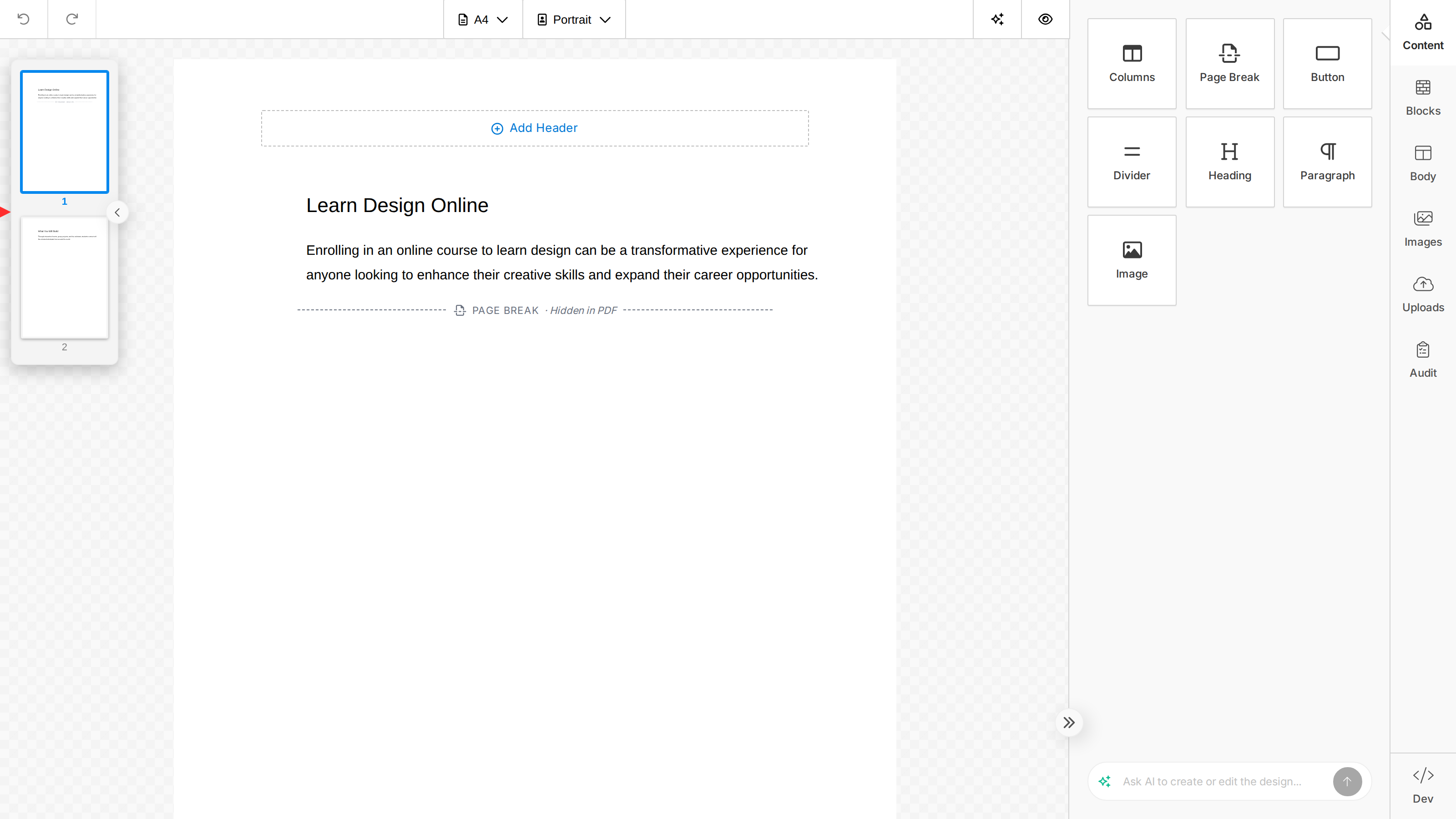
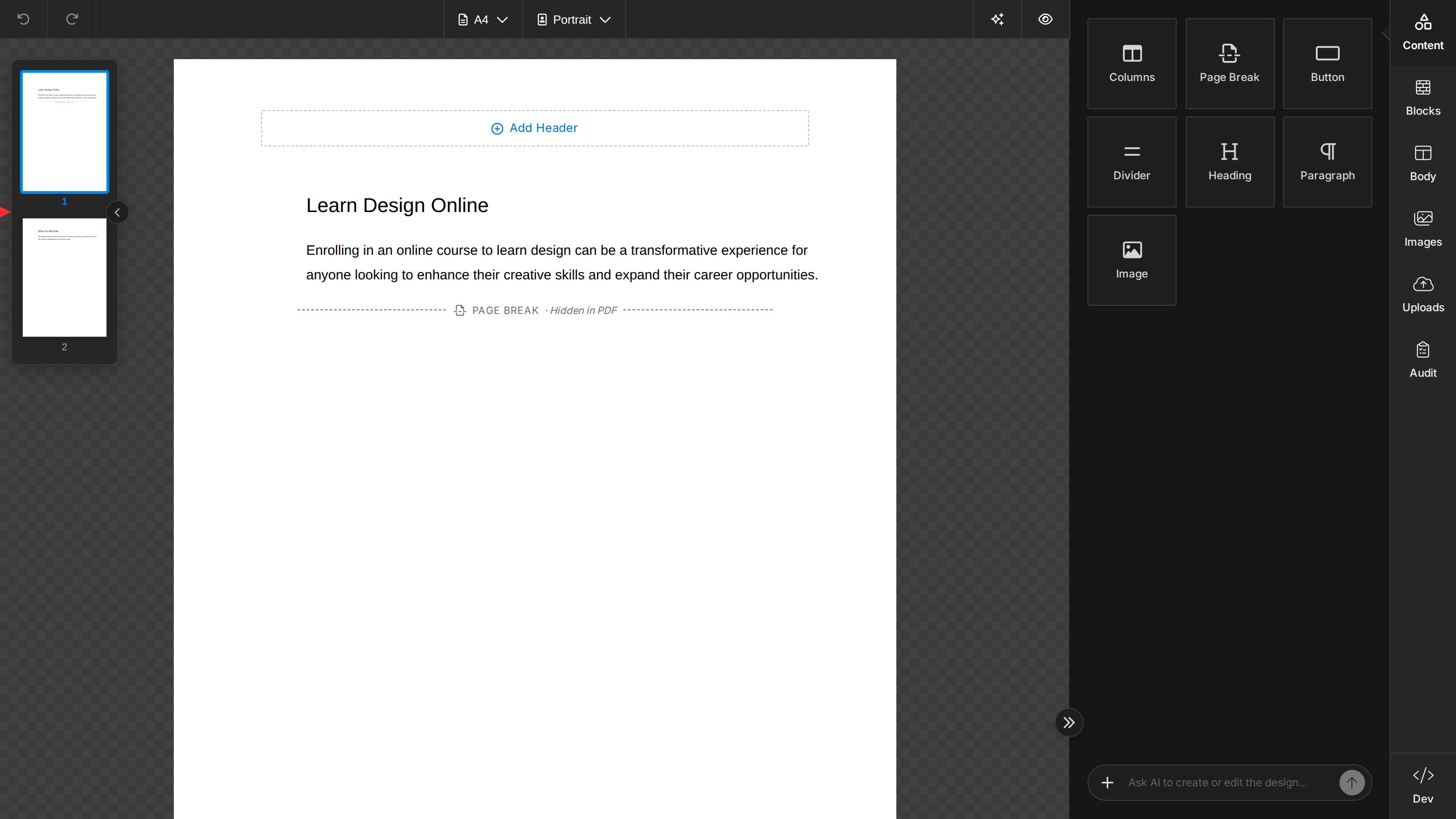
The minimap is only rendered when displayMode is 'document' and the design spans two or more pages. Single-page documents don't need a navigator, so the panel stays hidden until the design overflows onto a second page; it'll appear and disappear automatically as the page count changes.
Enable / Disable
The minimap is enabled by default in document mode. Set features.minimap to false on unlayer.init to hide it:
unlayer.init({
  displayMode: 'document',
  features: {
    minimap: false,
  },
});