
API Reference
Loader API
The embed script (https://cdn.unlayer.com/image-editor/embed.js) is a lightweight loader. It exposes window.ImageEditor and only downloads the full editor when first used.
| Member | Description |
|---|---|
load(options?) | Optionally preload the editor ahead of time. Accepts an optional version and returns a Promise. |
createEditor(options) | Create and mount an editor. Loads the editor on first use. Returns Promise<ImageEditorInstance>. |
Once the full editor bundle has loaded — after the first load() or createEditor() call — the loader dispatches an image-editor-ready event on window. Listen for it if you preload and want to know when the editor is ready (for example, to enable an "Edit" button).
To preload a specific published editor build, pass its version to load. An unavailable version falls forward to the current release:
await window.ImageEditor.load({ version: '1.500.0' });
Mount Options
createEditor(options) accepts:
| Option | Type | Description |
|---|---|---|
container | string | HTMLElement | CSS selector or element to mount the editor into. Required. |
image | string | Image URL or base64 data URL to edit. Required. |
projectId | number | Your Unlayer project ID. Required for AI features. |
user | object | Who is editing (id, name, avatar, email, signature, featurePolicyToken). Pass id to attribute AI usage to them. |
features | object | Feature flags for the AI Assistant, tools, and tool-rail dock. |
credits | object | Host-managed ai allowance. Low state warns; exhausted, disabled, or invalid state blocks AI prompts only. |
theme | 'light' | 'dark' | Editor light or dark color scheme. Default: 'light'. |
customTheme | CustomImageEditorTheme | Resolved custom semantic color mapping. See Theme. |
locale | string | Language code (e.g. 'en', 'es', 'fr'). See Localization. |
translations | object | Custom translations by locale. Editor keys use image_editor.*; shared credit notices use labels.credits.*. |
offline | boolean | Prevent external requests. Use with an offline license and locally bundled assets. Default: false. |
licenseUrl | string | URL of the encrypted license file used in offline mode. |
env | object | Advanced runtime overrides for API and image-editor asset base URLs. |
defaultPrompt | string | Pre-fill the AI chat input with this prompt. |
autoSubmitPrompt | boolean | With an open panel and defaultPrompt, submit the prompt automatically instead of only pre-filling it. Default: false. |
aiAssistantOpenState | 'open' | 'closed' | Whether the available AI Assistant panel is open when the editor is ready. Default: 'open'. |
onCreditsPurchase | (request) => result | Promise<result> | Purchase action used instead of credits.ai.purchaseUrl. A successful result refreshes the resource snapshot. |
onSave | (result) => void | Called when the user saves. result has dataUrl (base64 string), blob (Blob), and optional aiEdited (true when the saved image contains an AI edit). Older pinned versions omit aiEdited. |
onCancel | () => void | Called when the user cancels. |
onLoadError | () => void | Called when the image fails to load into the canvas because of CORS, a missing resource, or a decode error. |
To restrict AI image features for individual end-users, generate a
signed feature-policy token on your
server and pass it as user.featurePolicyToken. Setting ai.magicImage to false in that token prevents the
end-user from opening or calling the Image Editor's AI features. If you replace the token through
updateOptions, the editor authenticates the new policy before enabling AI again.
To clear a persisted end-user name, avatar, or email, set that field to null in the user
passed to updateOptions. This triggers a new session and sends the clear even when the field was
omitted when the editor was created. updateOptions replaces the entire user object, so preserve
its id and current credentials. Here, currentUser is the most recent user passed to createEditor
or updateOptions:
editor.updateOptions({
  user: {
    ...currentUser,
    email: null,
  },
});
Omitting a profile field keeps its stored value. Omitting signature or featurePolicyToken means
that credential is not sent again.
createEditor rejects if the container element cannot be found, or if an editor is already mounted in that container — call destroy() on the existing instance first.
Host credits are a client-side preflight only. Keep the authoritative end-user
ledger and enforcement in your backend. Refresh one resource in an open editor
with setCredits:
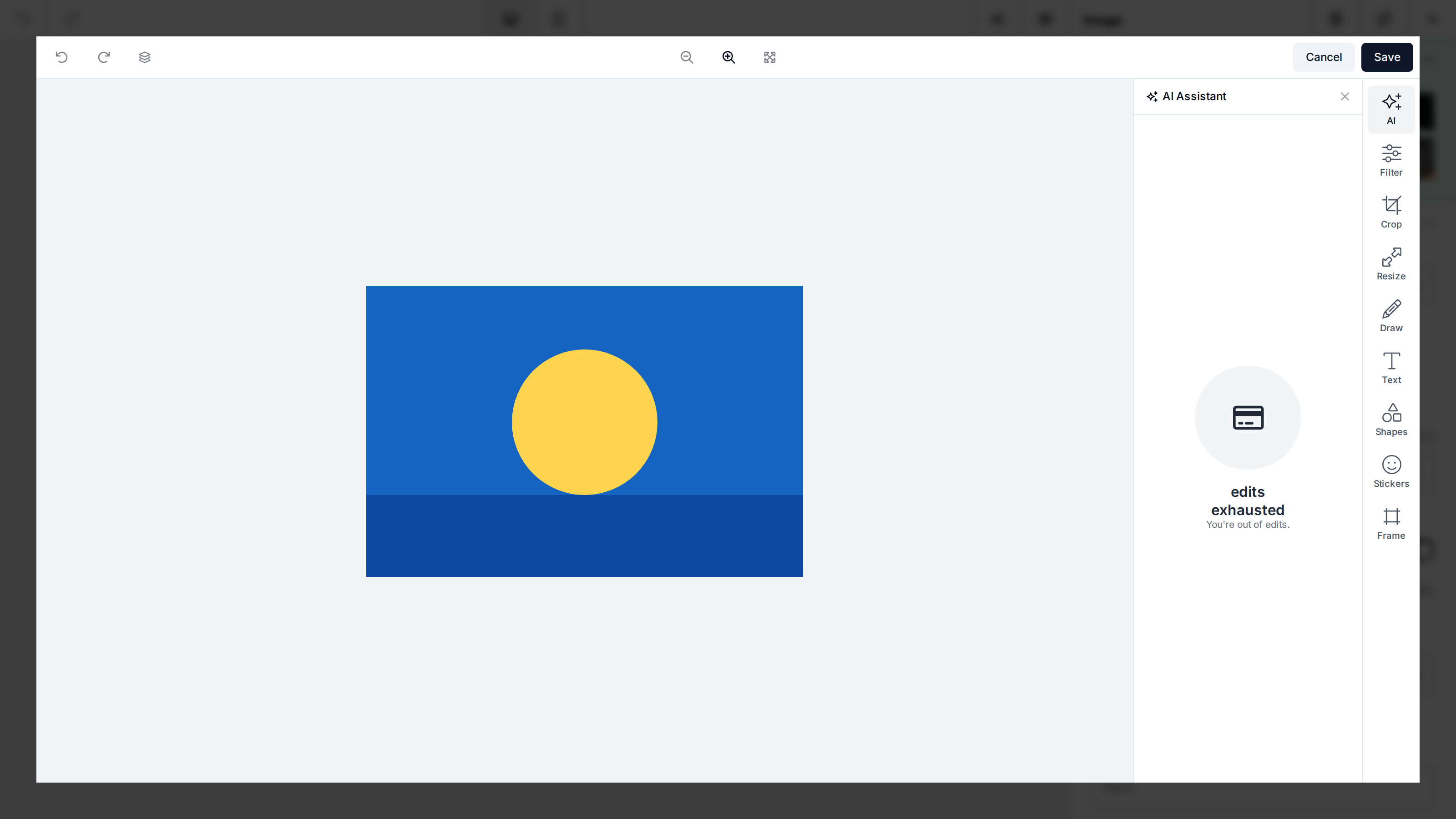
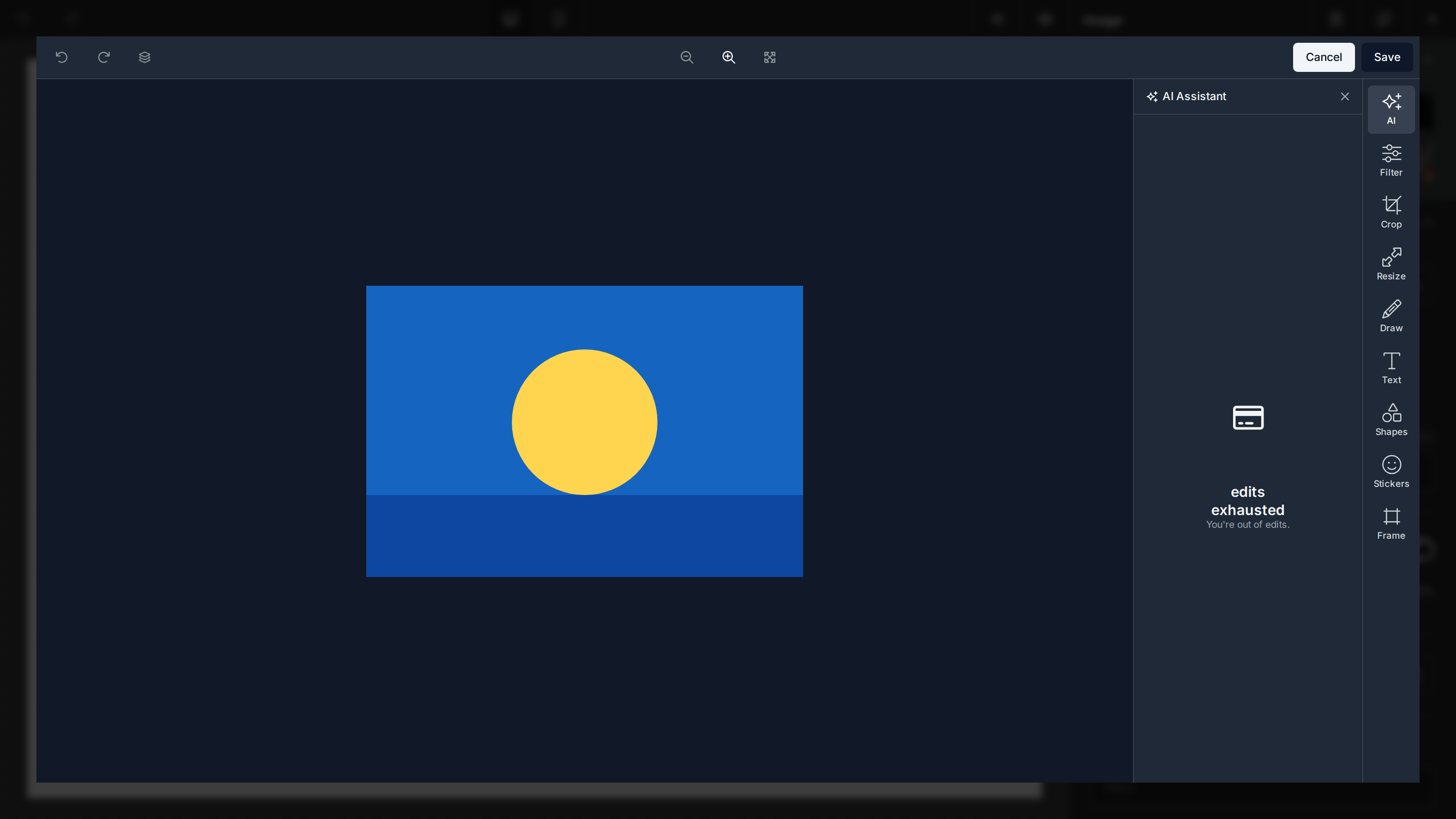
editor.setCredits('ai', {
  limit: 100,
  used: 80,
  unitLabel: 'edits',
  purchaseUrl: 'https://app.example.com/billing/ai',
});
For an in-app checkout, return a settled result from onCreditsPurchase. The
editor creates request.requestId for idempotency, disables duplicate purchase
attempts while the handler is pending, and applies valid success snapshots:
const editor = await window.ImageEditor.createEditor({
  /* ... */
  onCreditsPurchase: async (request) => {
    const credits = await purchaseCredits(request.requestId);
    return { status: 'success', credits };
  },
});
Return { status: 'cancelled' } when checkout is dismissed, or
{ status: 'error', message? } when it fails. updateOptions({}) preserves the
current credits. Passing updateOptions({ credits: undefined }) clears the
complete host-managed snapshot.
Instance Methods
createEditor resolves with an editor instance:
| Method | Description |
|---|---|
destroy() | Unmount the editor and clean up. |
getImage() | Return the current canvas as a data URL, or null. |
hasChanges() | Return true if the canvas has unsaved edits relative to the input image. Useful for showing a confirmation prompt before closing. |
updateOptions(opts) | Update options at runtime (e.g. theme, customTheme, locale, translations). Re-renders with the new options. |
setCredits(resource, credits) | Replace one host-managed credit resource while preserving the rest of the current snapshot. |
reset(imageUrl?) | Reset the editor state (chat, undo/redo history) and optionally load a new image. |
const editor = await window.ImageEditor.createEditor({
  /* ... */
});

editor.updateOptions({ theme: 'dark', locale: 'es' });
editor.reset('https://example.com/another-photo.jpg');

if (!editor.hasChanges()) {
  editor.destroy();
}