
Social Media
Social Media is a built-in tool that lets users add their social media icons to an email or web page.
Enable / Disable
unlayer.init({
  tools: {
    social: {
      enabled: false,
    },
  },
});
Default Values
Social Media tool comes with the following default values. You can choose to change any of these.
| Property | Default Value |
|---|---|
| icons | [] |
| spacing | 5 |
| align | center |
| containerPadding | 10px |
Here are a few examples on how to change these default values.
Icons
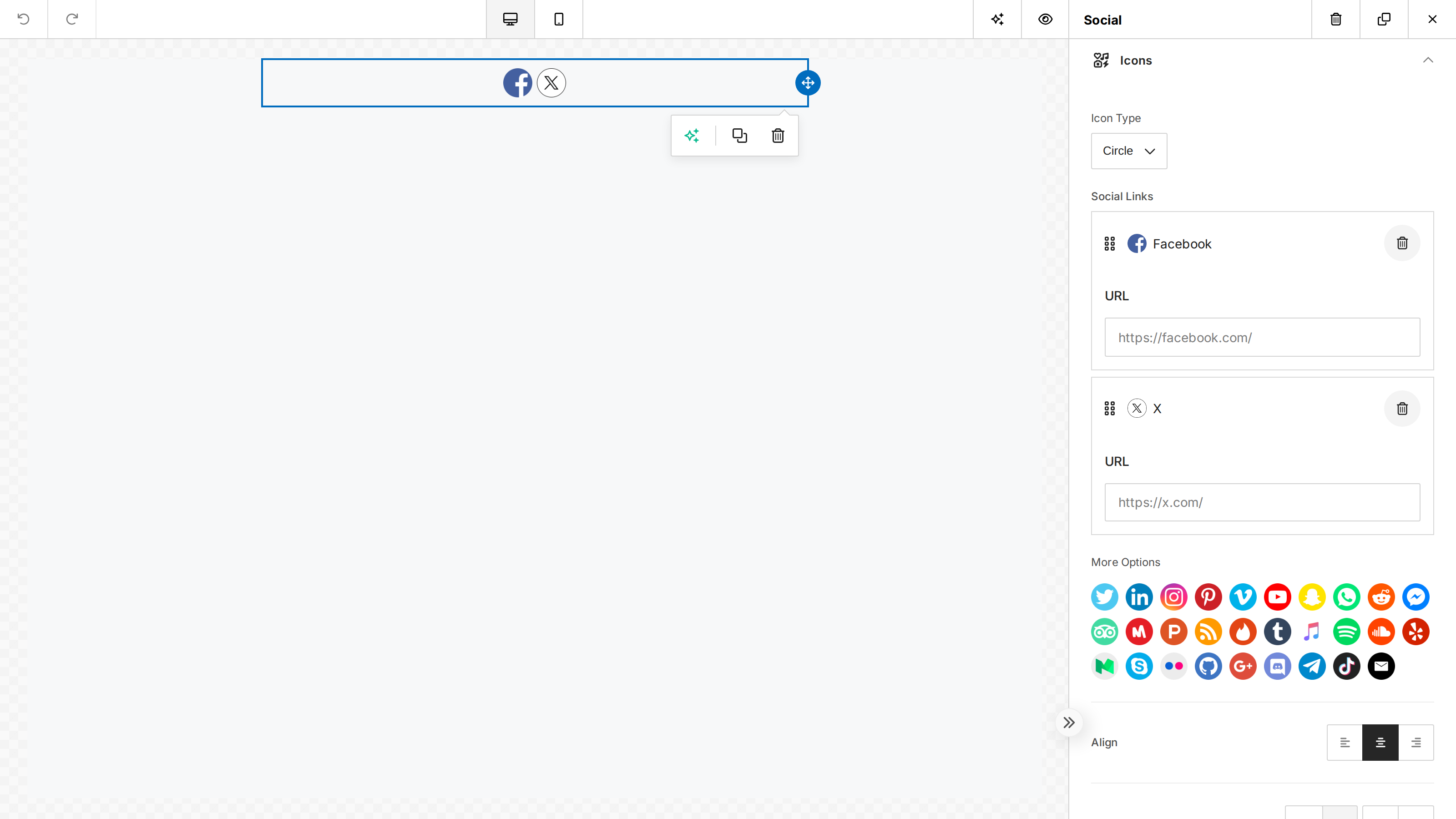
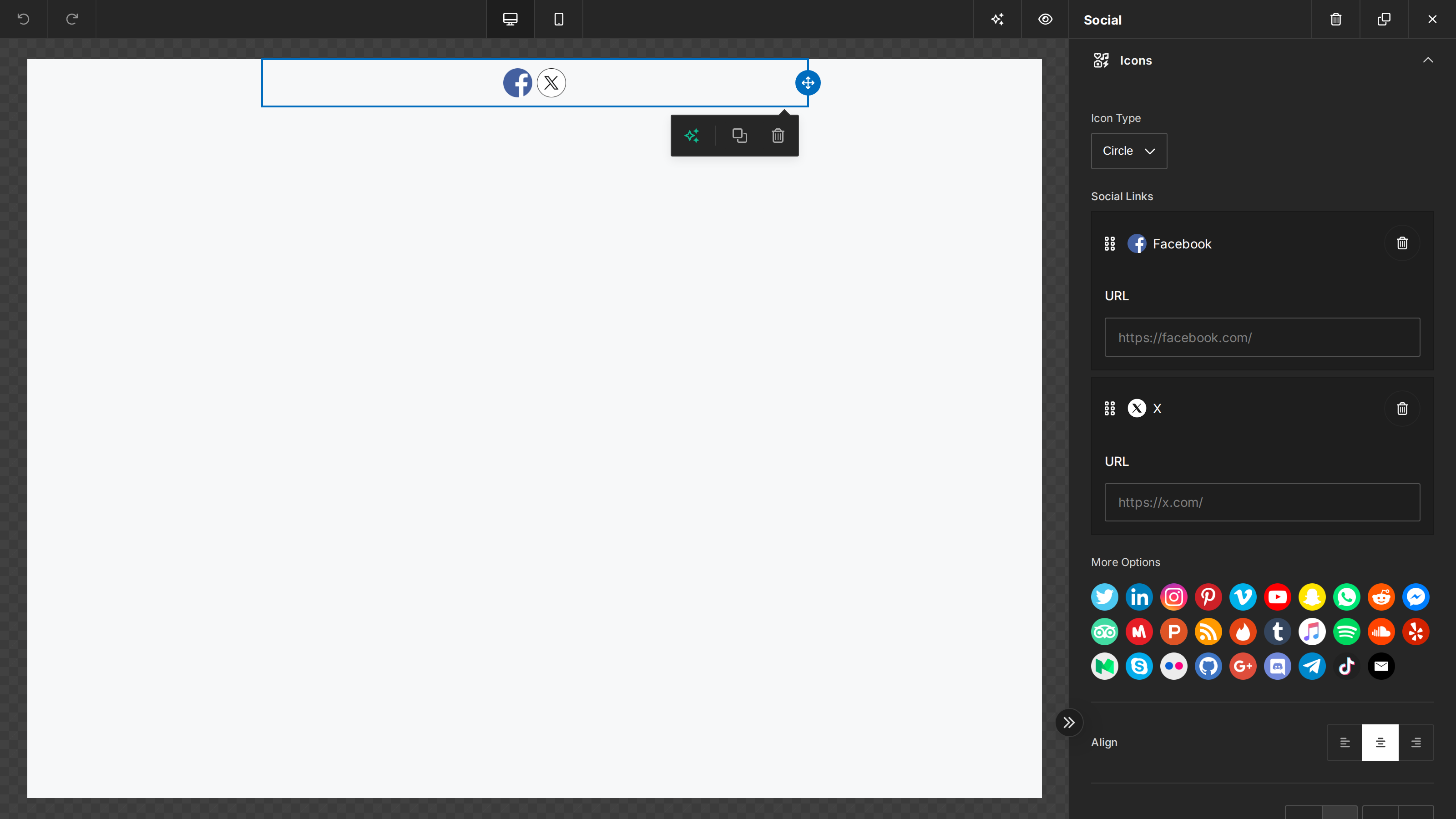
You can set the social media tool to come with default social networks and their URLs pre-filled.
iconType is optional and defaults to circle. Set it explicitly to choose another style,
such as squared.
unlayer.init({
  tools: {
    social: {
      properties: {
        icons: {
          value: {
            icons: [
              { name: 'Facebook', url: 'https://facebook.com/' },
              { name: 'X', url: 'https://x.com/' },
            ],
          },
        },
      },
    },
  },
});
Icon Spacing
unlayer.init({
  tools: {
    social: {
      properties: {
        spacing: {
          value: 5,
        },
      },
    },
  },
});
Alignment
unlayer.init({
  tools: {
    social: {
      properties: {
        align: {
          value: 'center',
        },
      },
    },
  },
});
Container Padding
unlayer.init({
  tools: {
    social: {
      properties: {
        containerPadding: {
          value: '10px',
        },
      },
    },
  },
});
AI-generated designs
Social values in AI-generated designs and Simple JSON can omit iconType. Conversion keeps the
configured networks and uses circle for the missing style.
Explicit image URLs
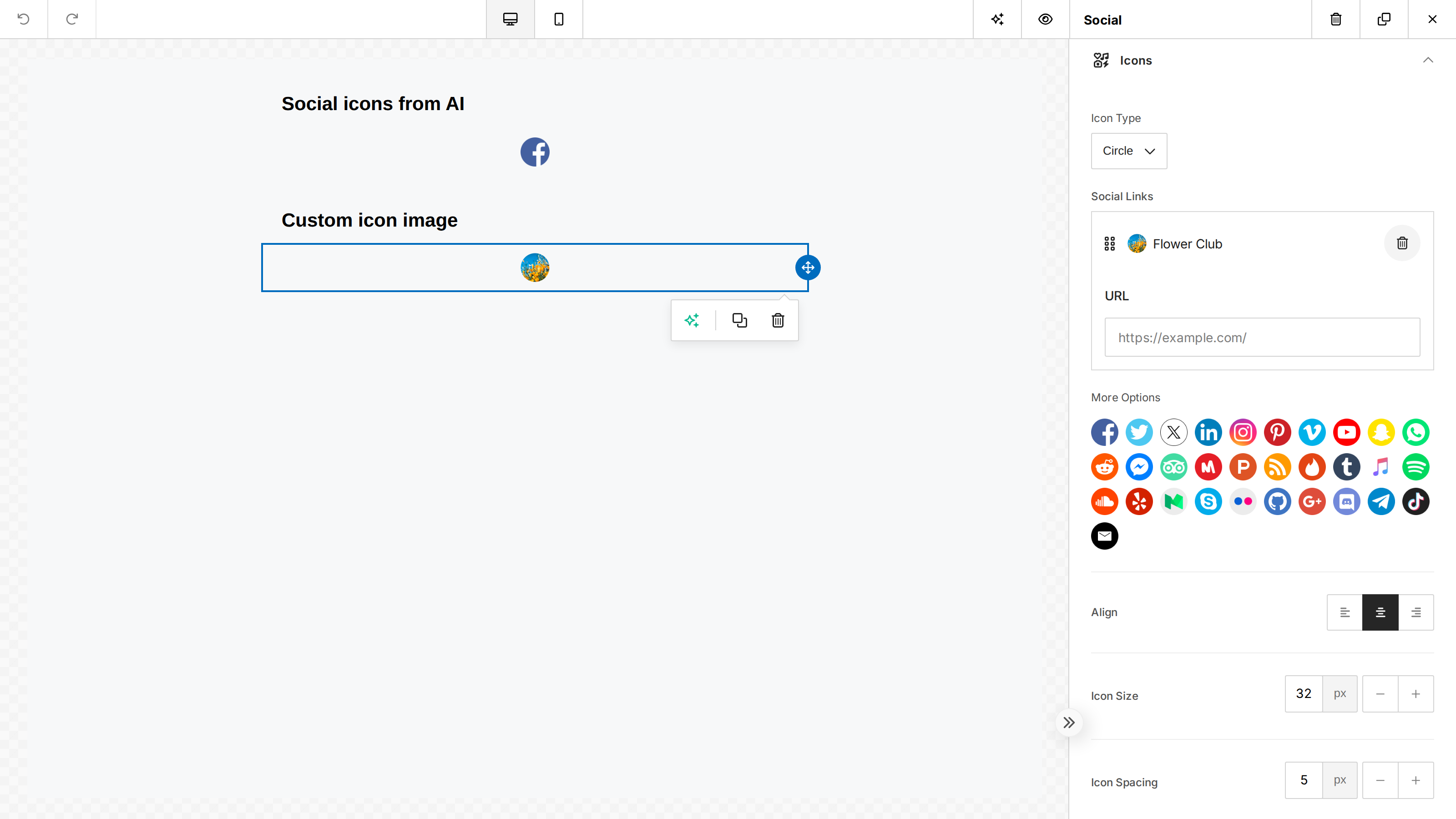
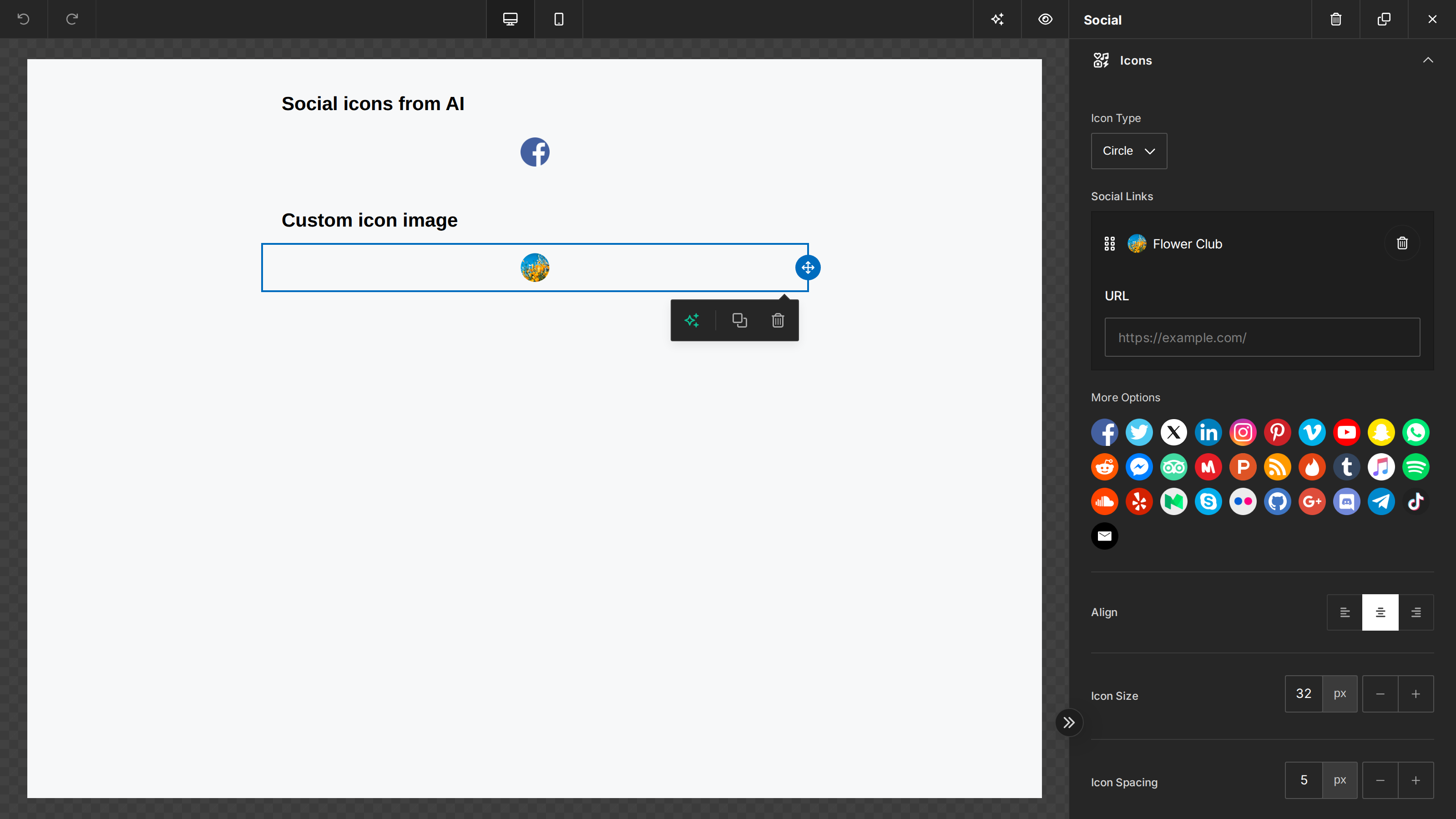
A Social icon can carry its own imgUrl in a design or default value. The image is preserved on the
canvas, in the settings preview, and in exported HTML. Changing the icon style keeps that image
unless a matching registered custom icon supplies the selected style.
iconType selects an image variant; it does not crop an explicit imgUrl. For a circular
custom icon, supply a PNG with a circular image and transparent corners, as in this example.
The shape is part of the image itself, so it does not depend on CSS border-radius support
in email clients. To support multiple shapes, register a separate image for each style
under Custom Icons.
unlayer.init({
  tools: {
    social: {
      properties: {
        icons: {
          value: {
            icons: [
              {
                name: 'Flower Club',
                url: 'https://example.com/',
                imgUrl:
                  'https://docs.unlayer.com/img/custom-social-flower-circle.png',
              },
            ],
          },
        },
      },
    },
  },
});
Custom Icons
Social media tool comes with a default set of social media networks. If you want to add a different social network, you can do that. Each custom icon must have an image url available for all icon types:
- circle
- circle-black
- circle-white
- rounded
- rounded-black
- squared
- squared-black
Add New Icons
unlayer.init({
  tools: {
    social: {
      properties: {
        icons: {
          value: {
            iconType: 'circle',
            editor: {
              data: {
                customIcons: [
                  {
                    name: 'Twitch',
                    url: 'https://twitch.tv/',
                    icons: {
                      circle:
                        'https://cdn3.iconfinder.com/data/icons/popular-services-brands-vol-2/512/twitch-64.png',
                      'circle-black':
                        'https://cdn3.iconfinder.com/data/icons/popular-services-brands-vol-2/512/twitch-64.png',
                      'circle-white':
                        'https://cdn3.iconfinder.com/data/icons/popular-services-brands-vol-2/512/twitch-64.png',
                      rounded:
                        'https://cdn3.iconfinder.com/data/icons/popular-services-brands-vol-2/512/twitch-64.png',
                      'rounded-black':
                        'https://cdn3.iconfinder.com/data/icons/popular-services-brands-vol-2/512/twitch-64.png',
                      squared:
                        'https://cdn3.iconfinder.com/data/icons/popular-services-brands-vol-2/512/twitch-64.png',
                      'squared-black':
                        'https://cdn3.iconfinder.com/data/icons/popular-services-brands-vol-2/512/twitch-64.png',
                    },
                  },
                ],
              },
            },
          },
        },
      },
    },
  },
});
Turn Off Default
If you don't want the default icons to show and only show your custom ones, you can do that as well.
unlayer.init({
  tools: {
    social: {
      properties: {
        icons: {
          value: {
            editor: {
              data: {
                showDefaultIcons: false,
                customIcons: [],
              },
            },
          },
        },
      },
    },
  },
});