
This feature is only available in paid plans. Learn More
Brand Context
Brand Context is available in Unlayer Editor 1.470.0 and later.
Brand Context gives the AI Assistant reusable details about your company, audience, colors, logos, voice, and writing guidelines. People can then ask for content without repeating the same brand instructions every time.
Set it up in Console
Open Settings → AI → Brand Context. Enter the details yourself, or import a public website to create a draft. Review the result, then select Save brand.
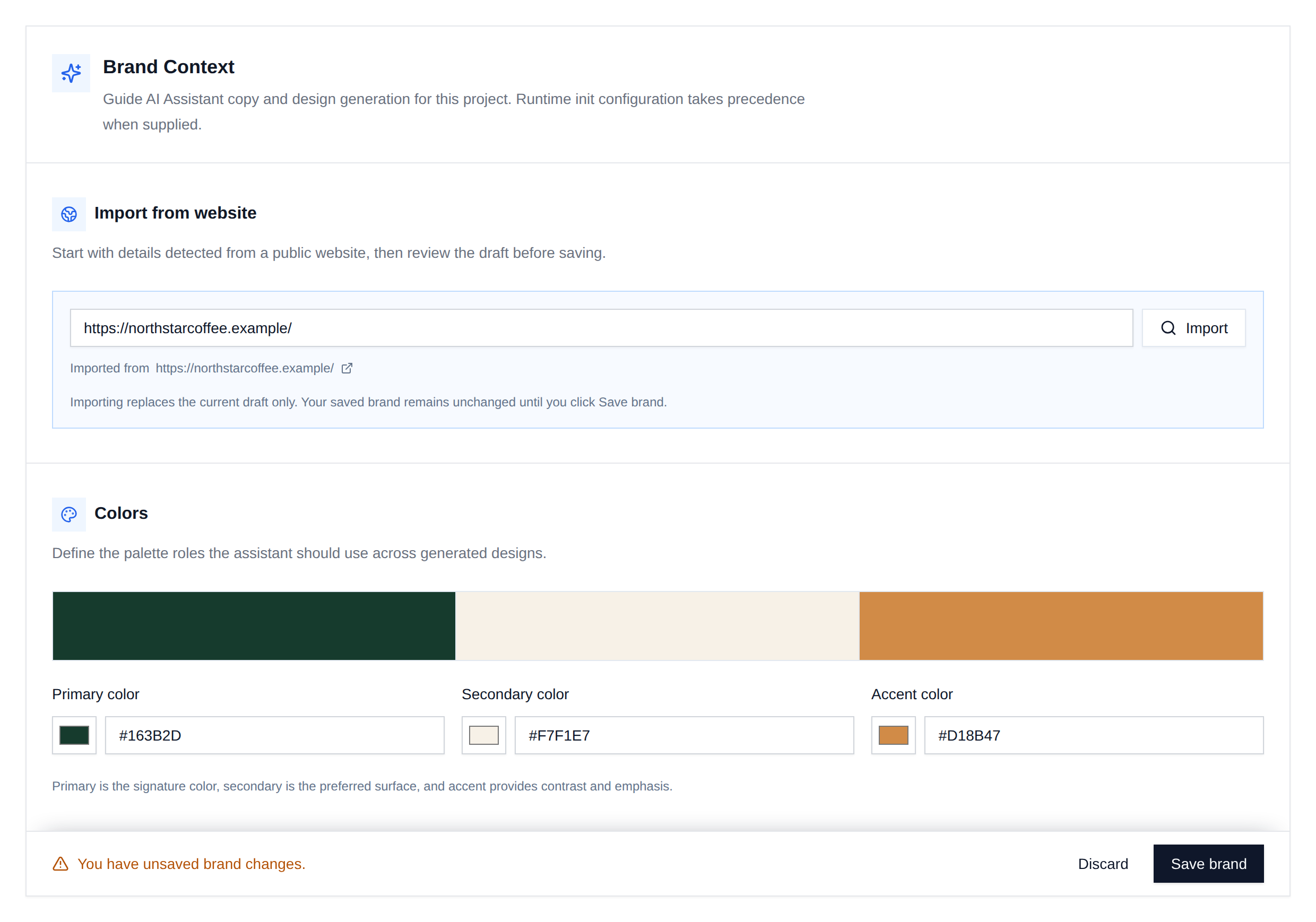
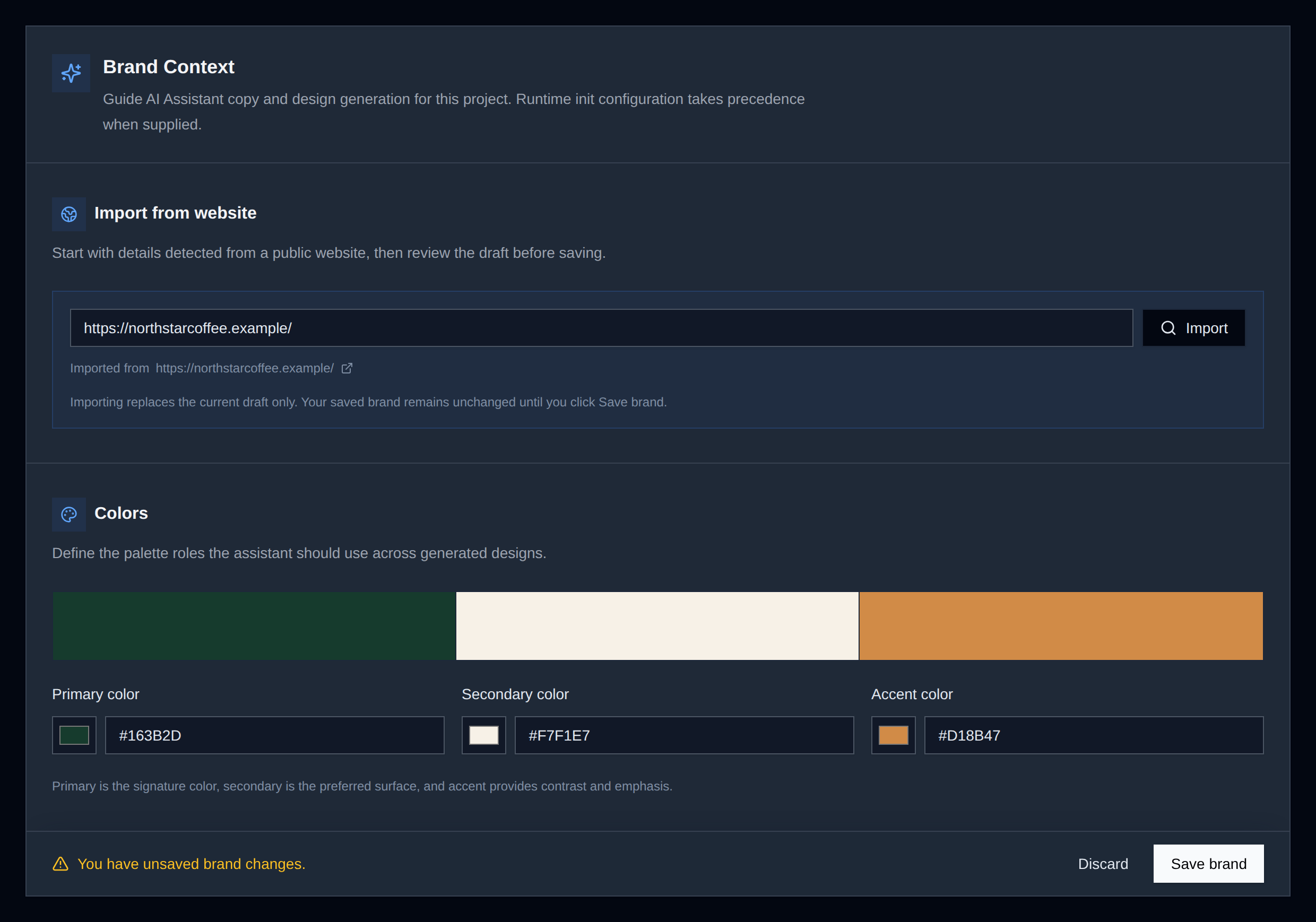
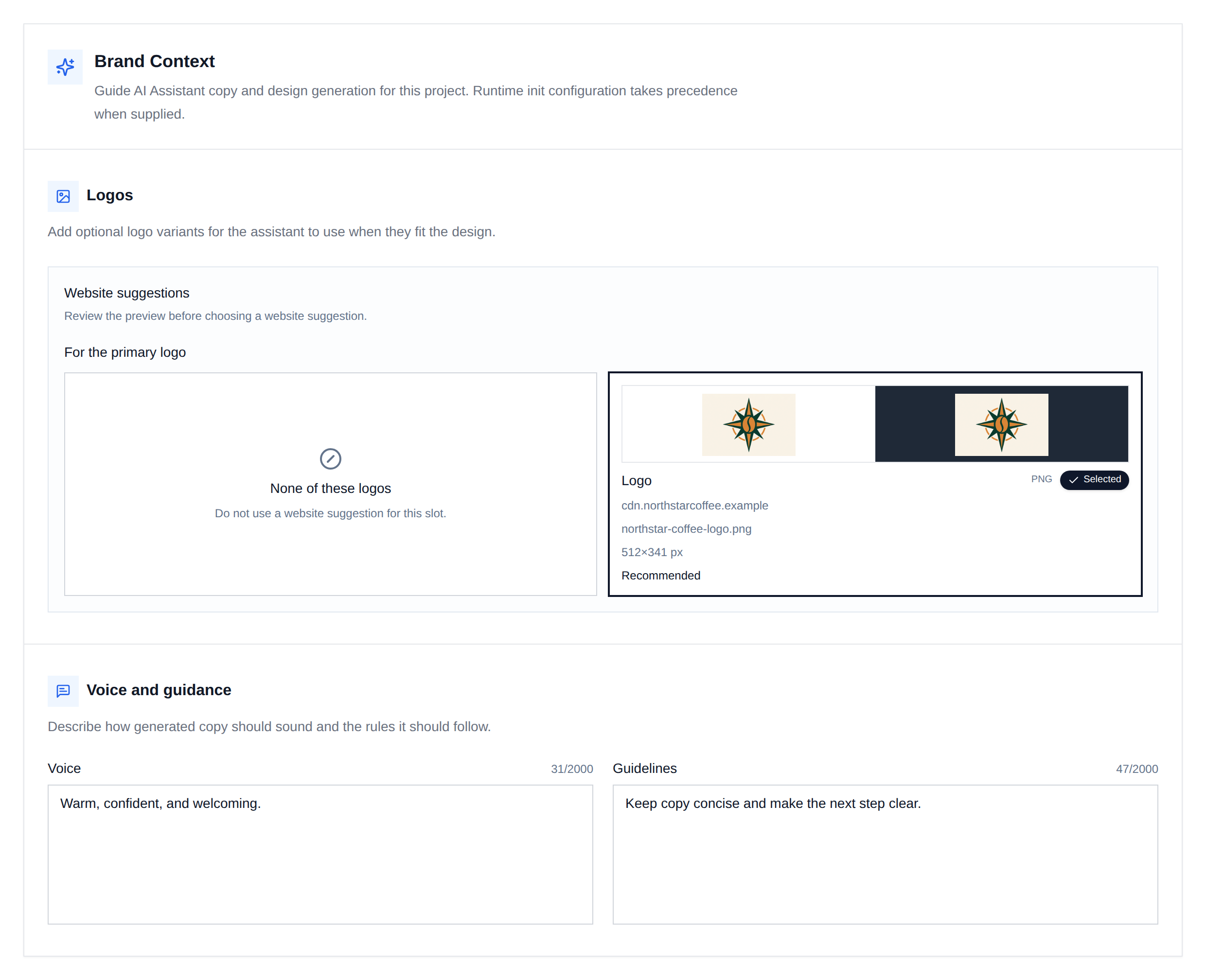
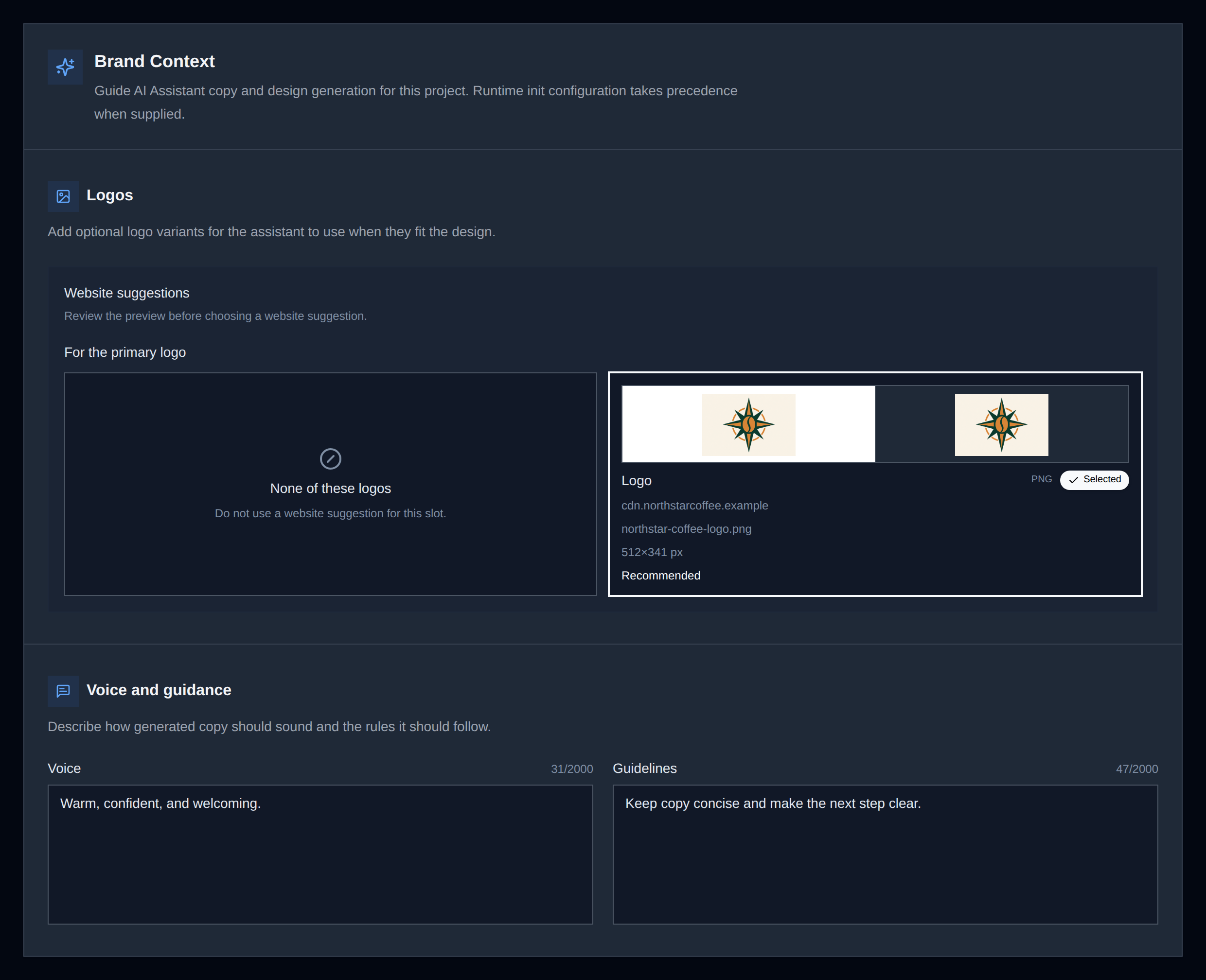
You can also add primary and secondary logos, describe the brand voice, and include any rules the Assistant should follow.
Set it in code
Use features.ai.brand when you want to provide Brand Context at runtime:
unlayer.init({
  id: 'editor-container',
  projectId: 1234,
  user: {
    id: 'user-123',
  },
  features: {
    ai: {
      brand: {
        companyName: 'Northstar Coffee',
        productDescription: 'Freshly roasted, thoughtfully sourced coffee.',
        targetAudience: 'People who make coffee part of their daily ritual.',
        colors: {
          primary: '#163B2D',
          secondary: '#F7F1E7',
          accent: '#D18B47',
        },
        logos: {
          primary:
            'https://cdn.northstarcoffee.example/northstar-coffee-logo.png',
        },
        voice: 'Warm, confident, and welcoming.',
        guidelines: 'Keep copy concise and make the next step clear.',
      },
    },
  },
});
Every field is optional. Logo URLs must be public, credential-free HTTPS URLs.
See it in the Assistant
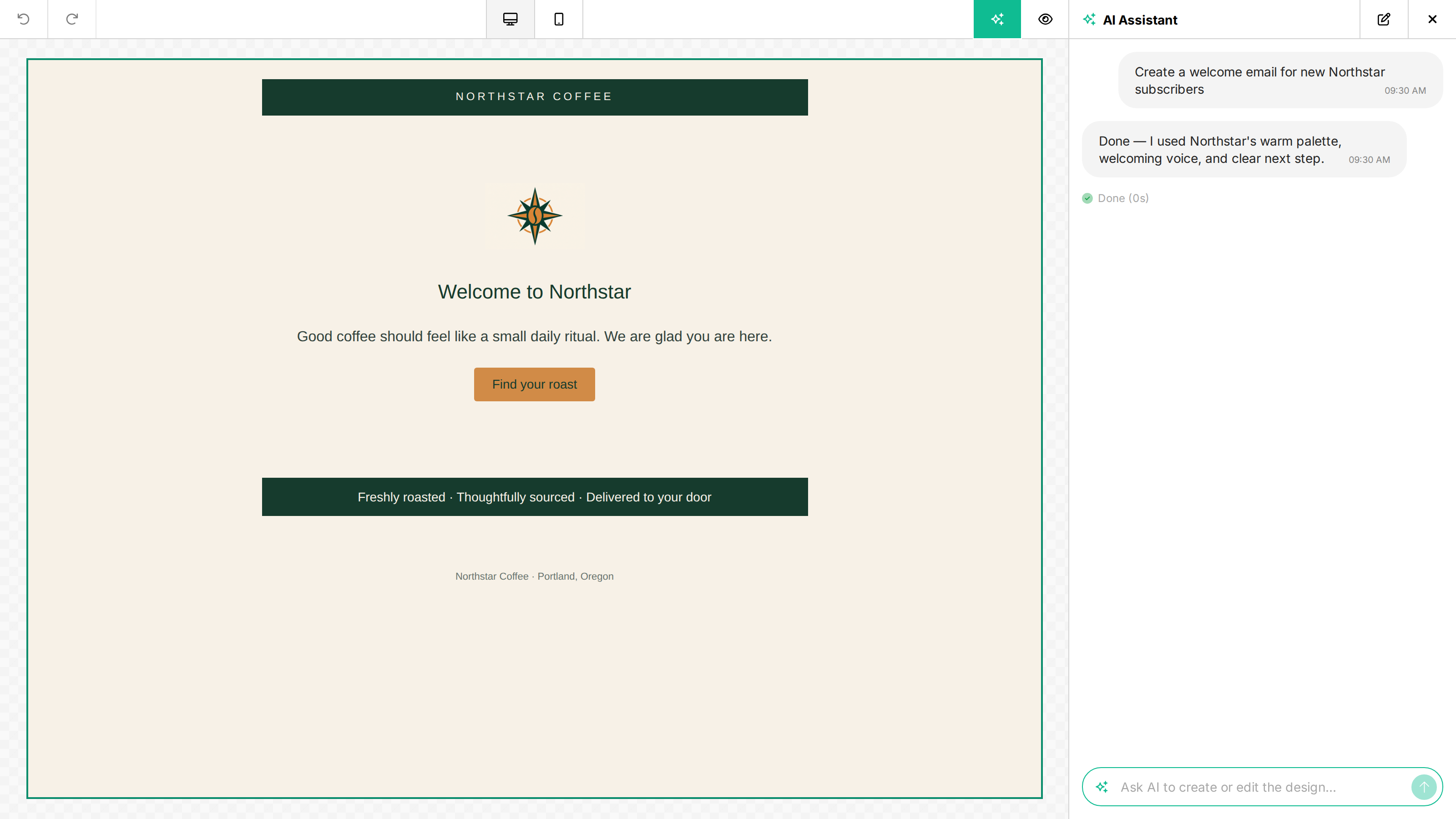
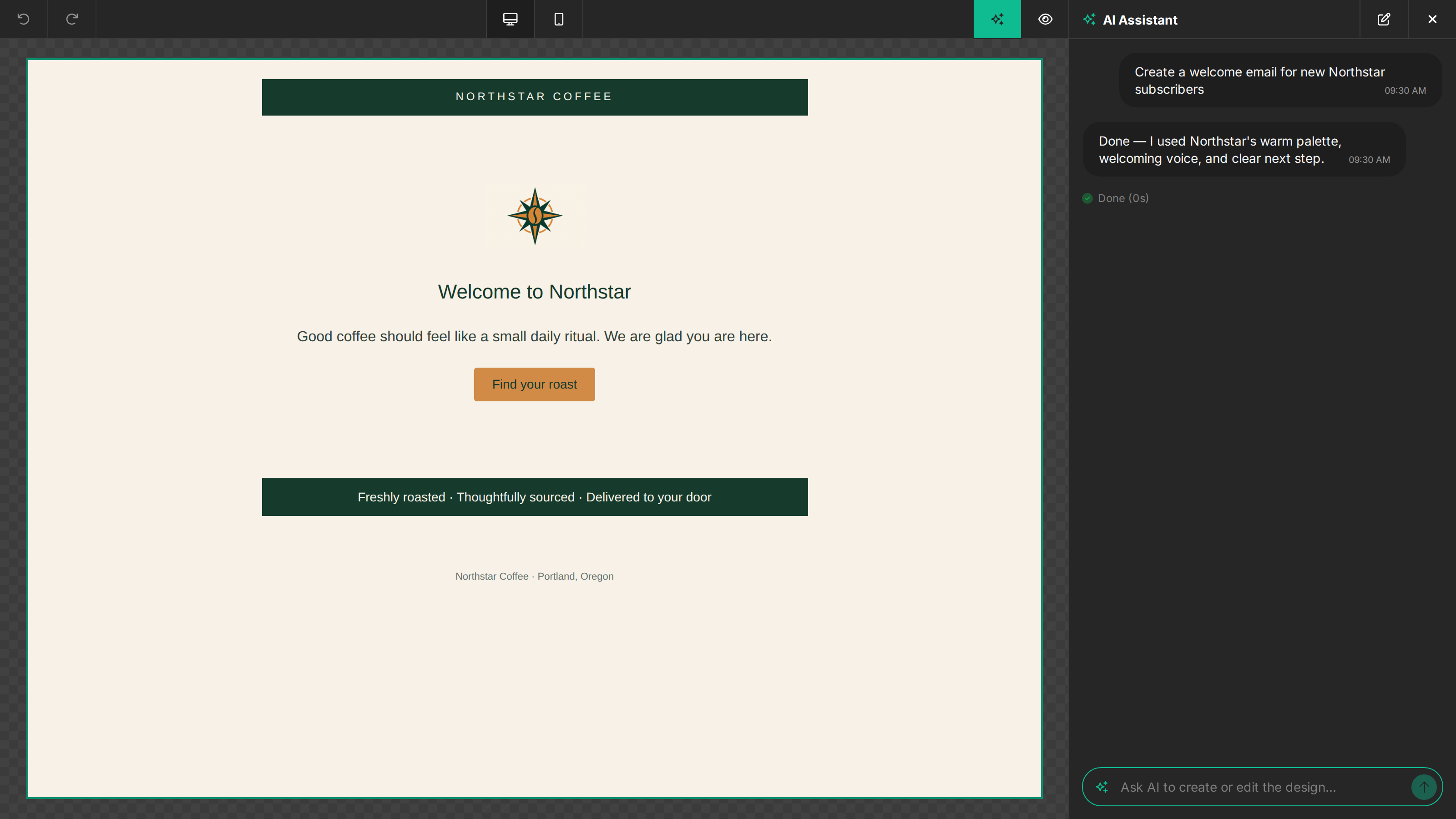
The Assistant uses Brand Context as a default while still following the person's request. For example, a simple welcome-email prompt can reuse the saved palette and voice:
Which value is used
With a projectId, the saved Console Brand Context is the default. The
features.ai.brand value controls whether that default is used for the editor
session:
brand value | Behavior |
|---|---|
Omitted or undefined | Use the saved project Brand Context, when available. |
| A brand object | Replace the saved project value with this object. |
null | Use no Brand Context and do not load the saved project value. |
For direct API requests, omit context.brand to use the saved value, provide
an object to override it, or send null to disable it for that request.
When no Brand Context is available, no brand instructions are added to the Assistant prompt.
Brand Context affects AI Assistant copy and design generation. It does not affect HTML imports, image imports, Magic Image, or AI image editing.
Effect on credits and speed
There is no fixed relationship between Brand Context and credit consumption. It adds a small amount of input context, so input tokens can increase slightly. However, relevant information provided up front can also help the AI reach the desired result faster and with less work, which may reduce total time and total credits.
The result can vary by prompt and design. To measure it for your product, run
the same prompt, design, and model with your Brand Context and with
features.ai.brand: null, then compare the completed request's credits and
elapsed time. Repeat each test a few times because model output varies.
If you include heading or body fonts, their names must exactly match a font configured in the editor, including fonts enabled in Project Fonts. The Assistant never invents a font name.