Examples

Paid Feature

This feature is only available in paid plans. Learn More

Screenshots and walkthroughs of the AI Assistant.

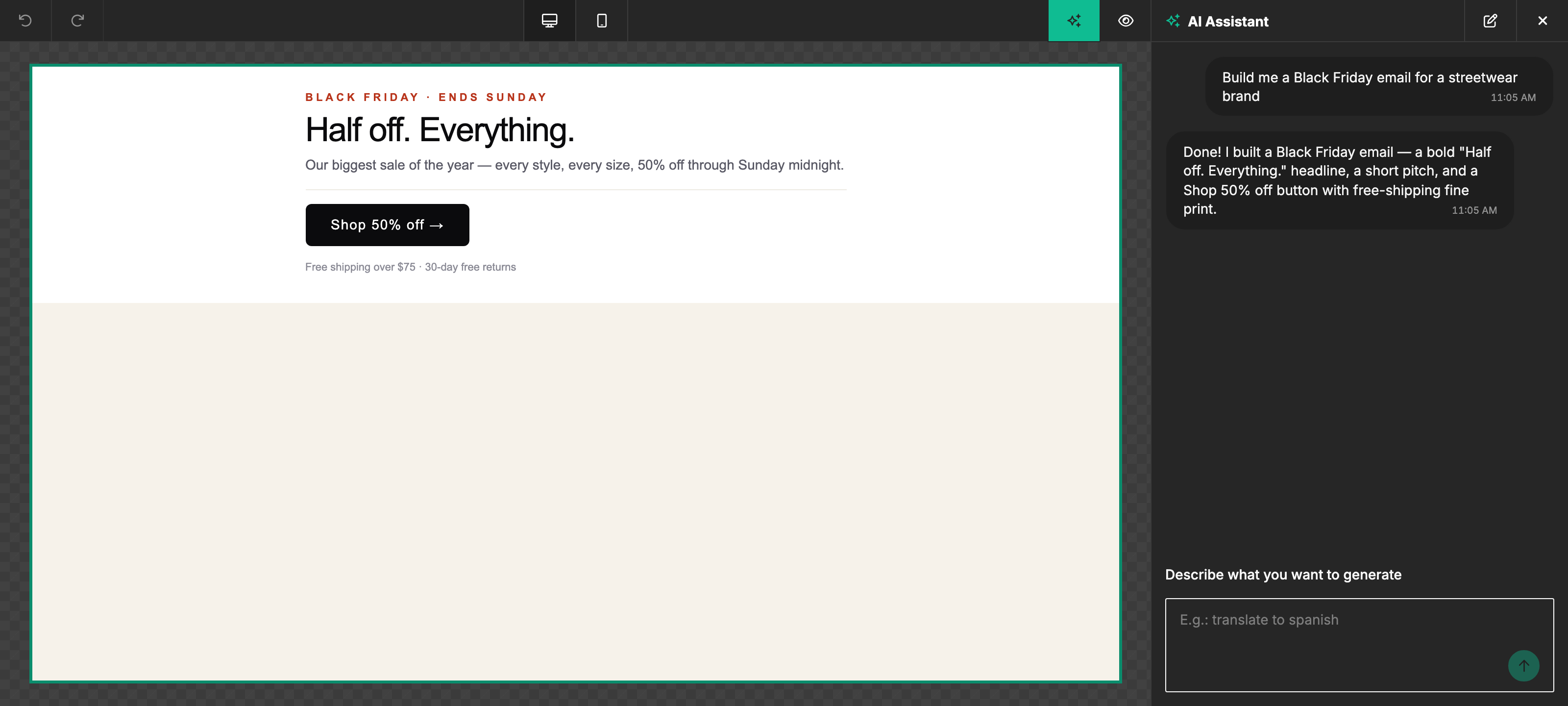
Generating a full email from a prompt
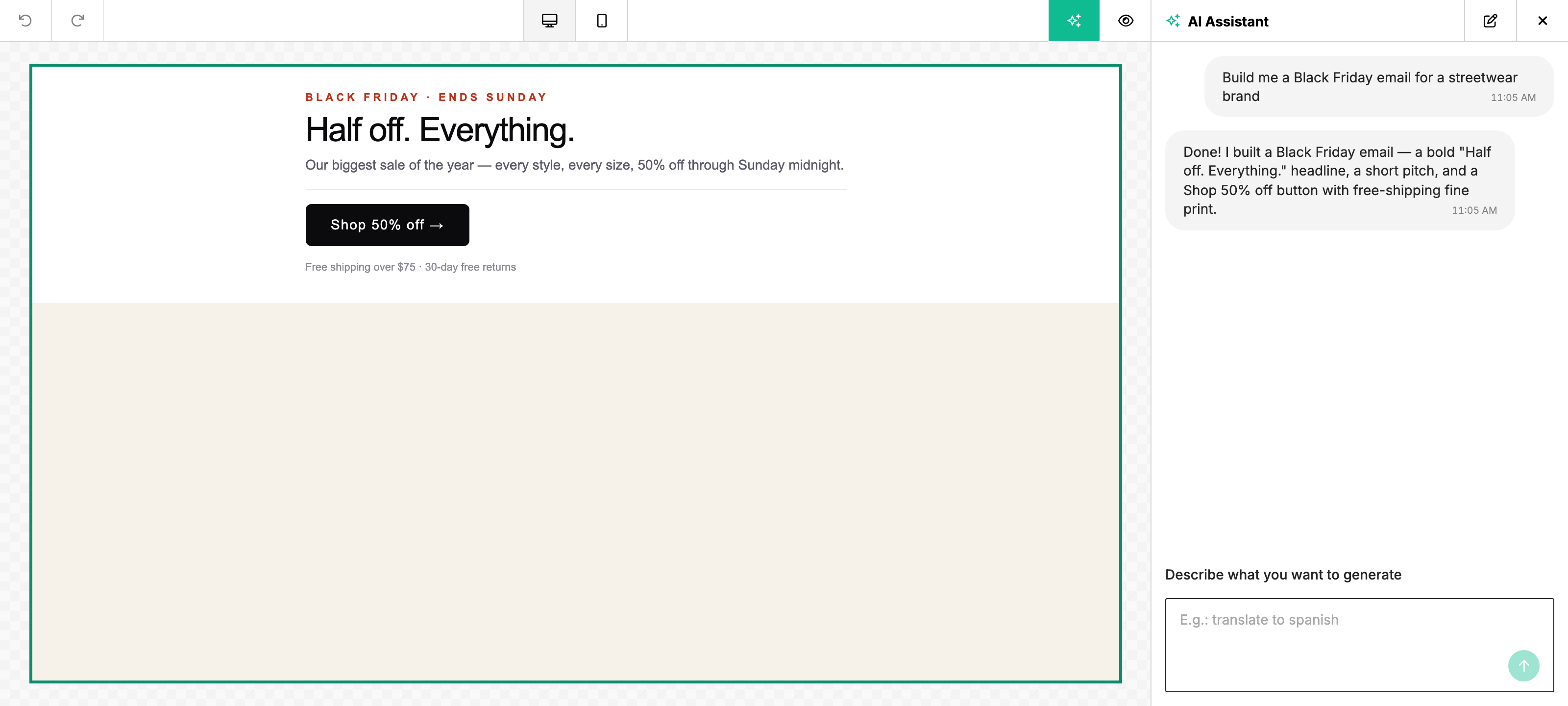
AI Assistant chat panel beside a finished, generated Black Friday email — a "Half off. Everything." headline, a short pitch and a Shop 50% off buttonAI Assistant chat panel beside a finished, generated Black Friday email — a "Half off. Everything." headline, a short pitch and a Shop 50% off button

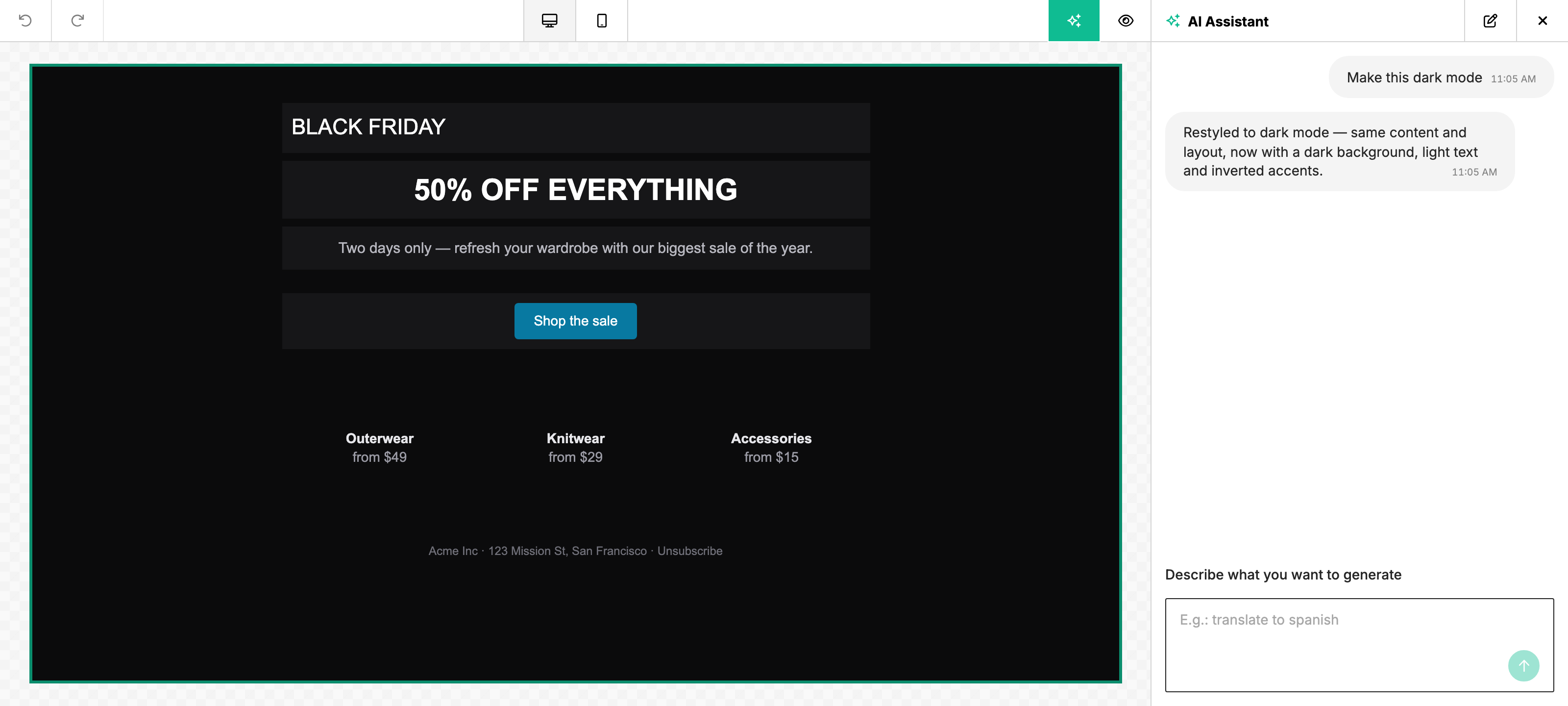
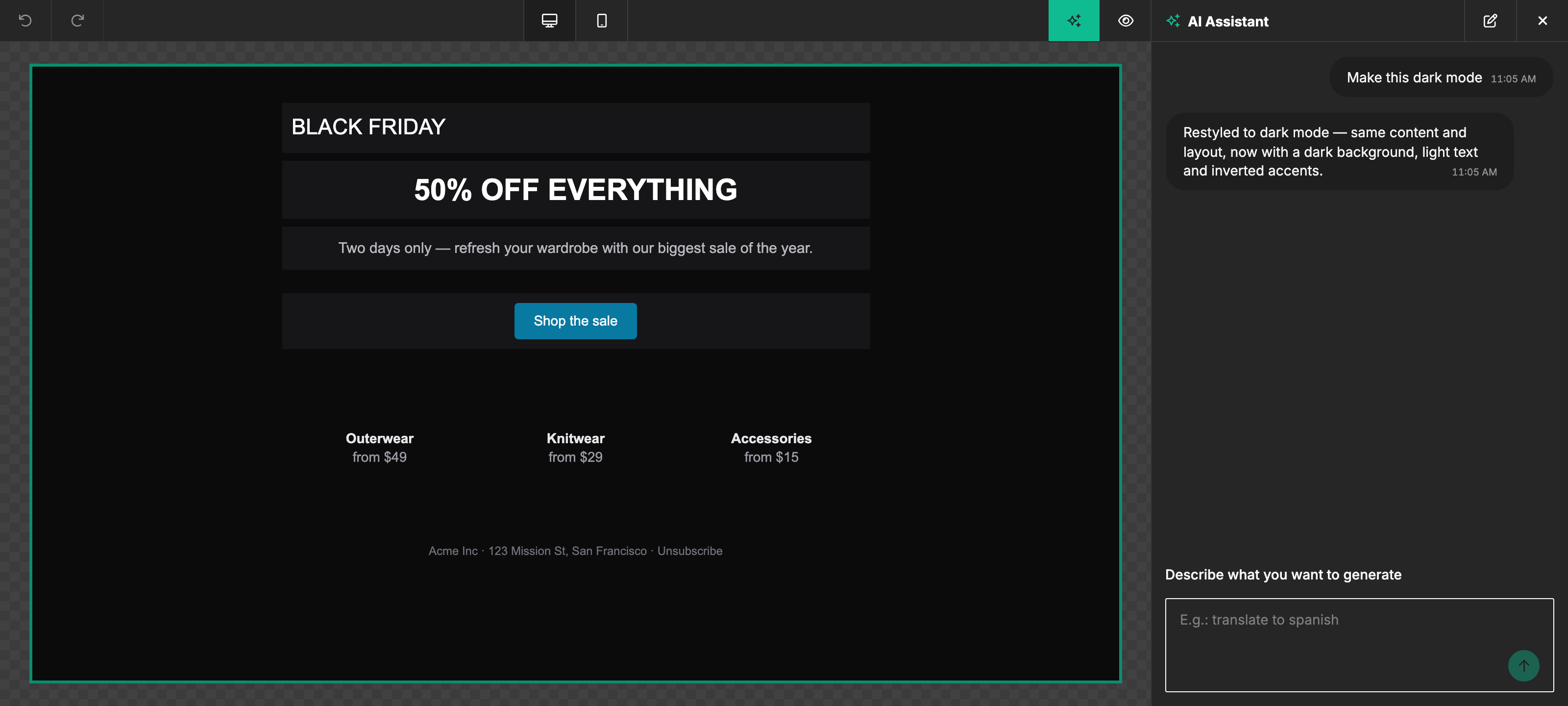
Restyling an existing template

AI Assistant after a "make it dark mode" request — the email restyled with a dark background, light text and inverted accents, same content and layoutAI Assistant after a "make it dark mode" request — the email restyled with a dark background, light text and inverted accents, same content and layout

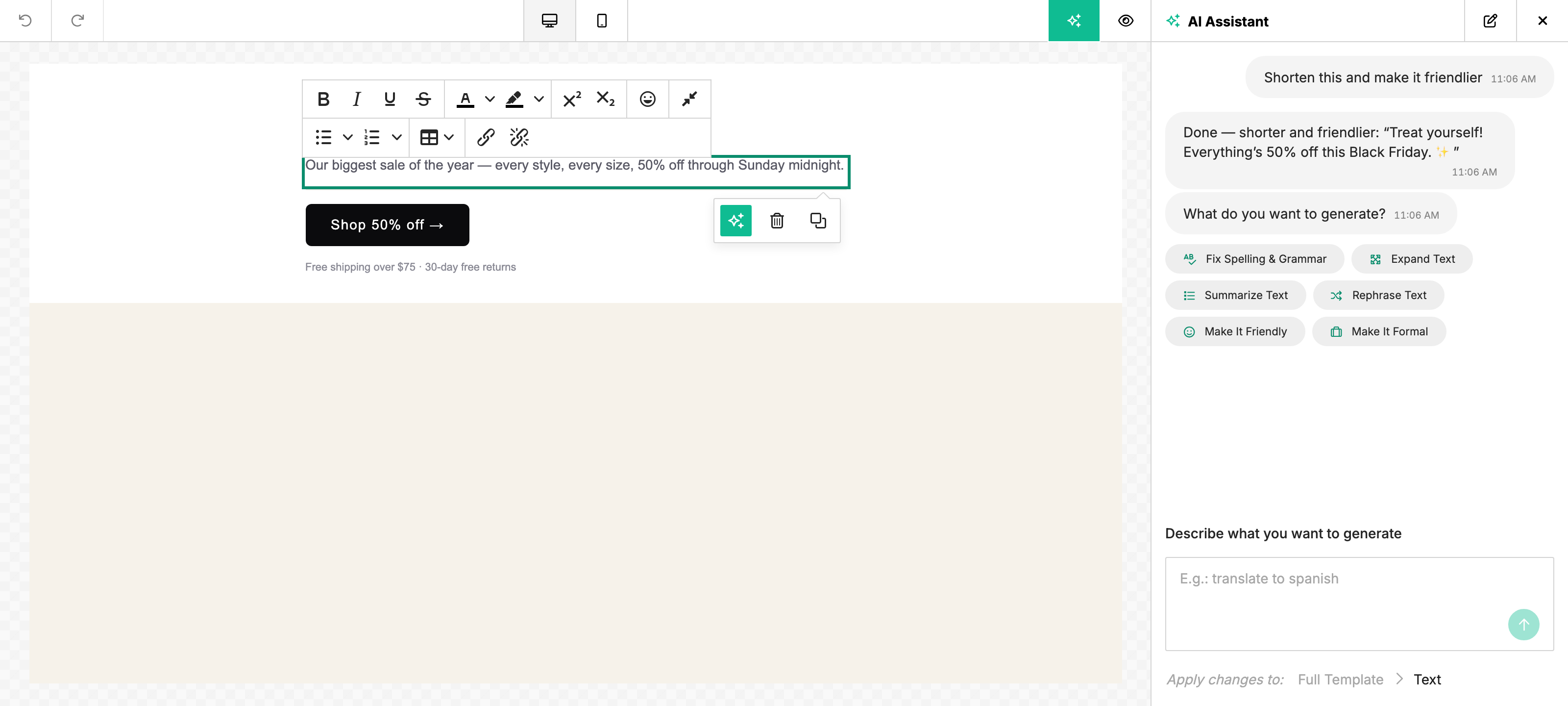
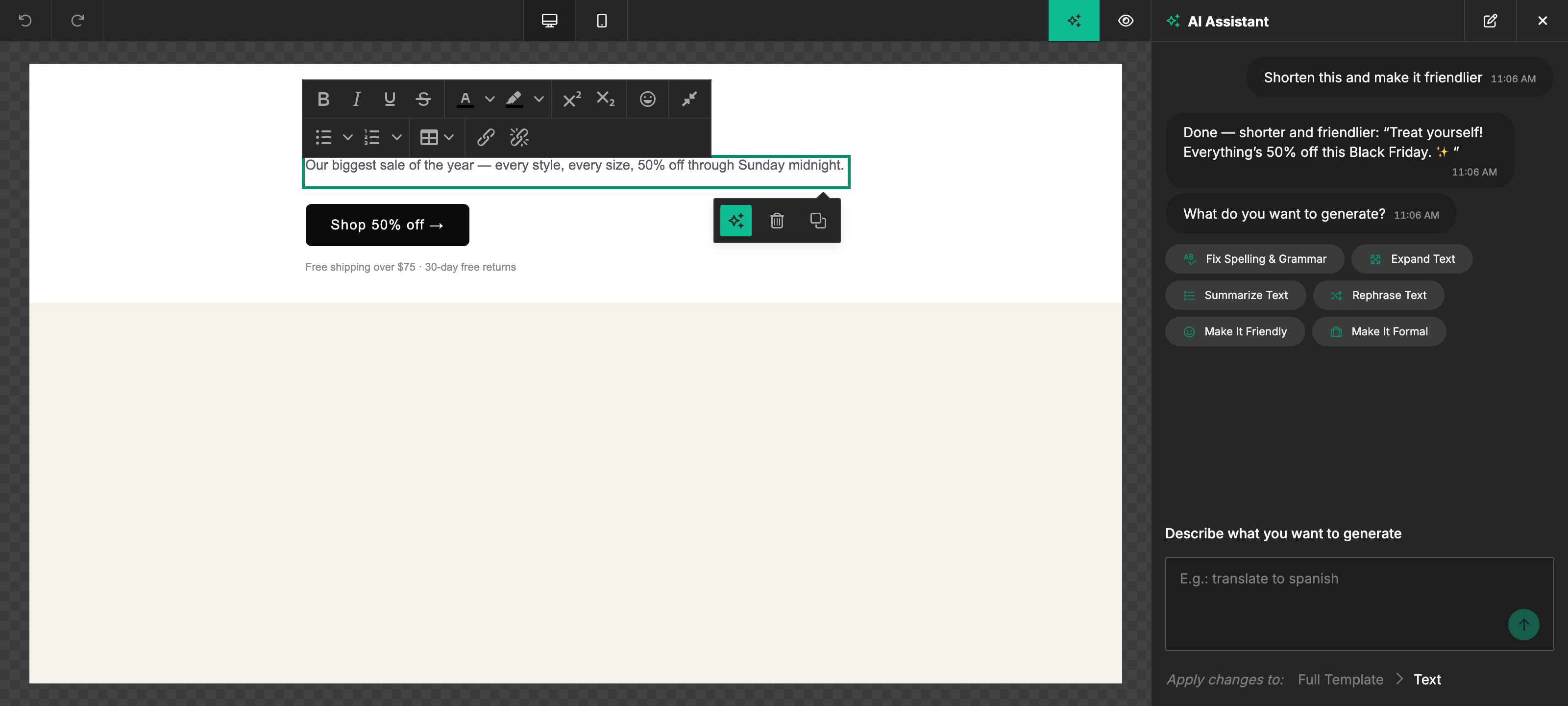
Editing a single block

AI Assistant scoped to a selected paragraph after a "shorten this and make it friendlier" request, with the rewritten copy in the replyAI Assistant scoped to a selected paragraph after a "shorten this and make it friendlier" request, with the rewritten copy in the reply

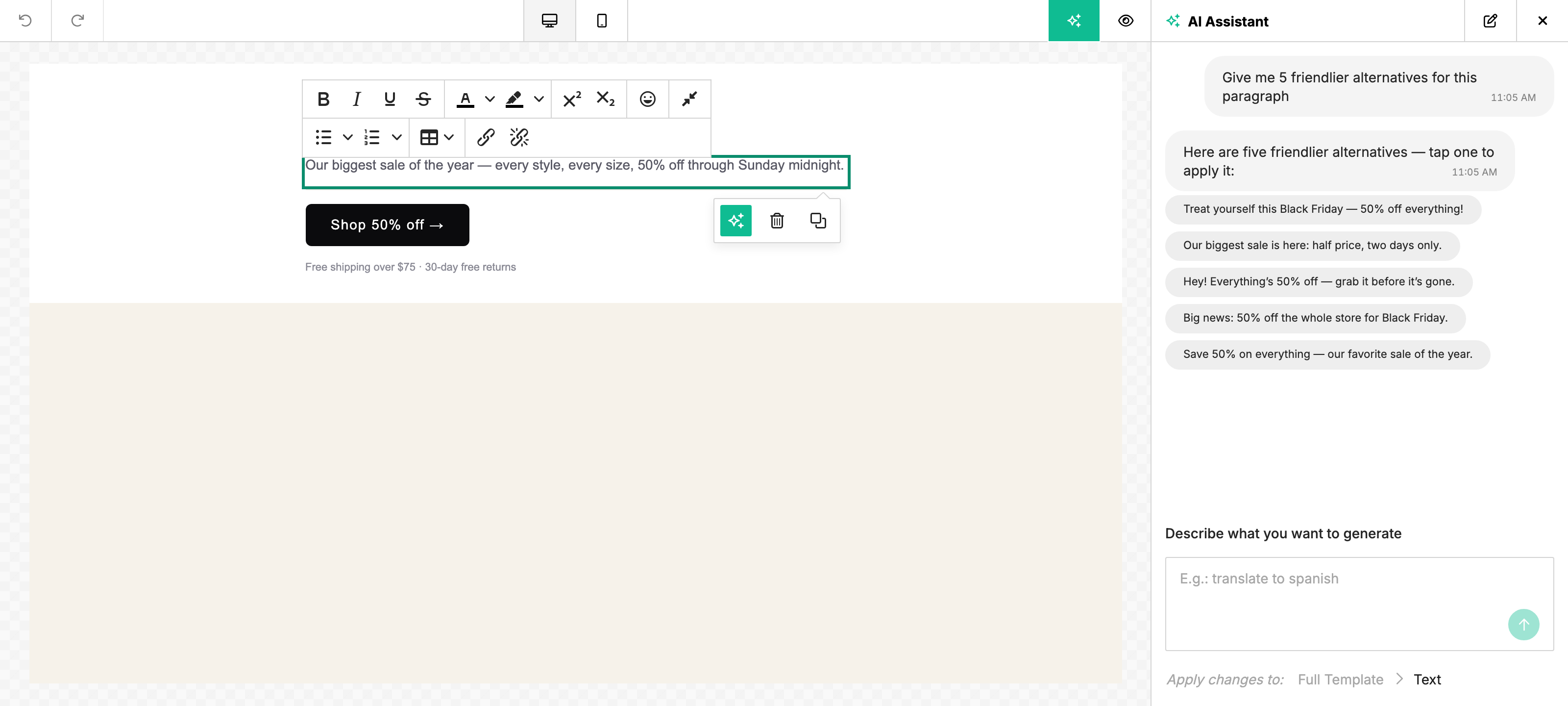
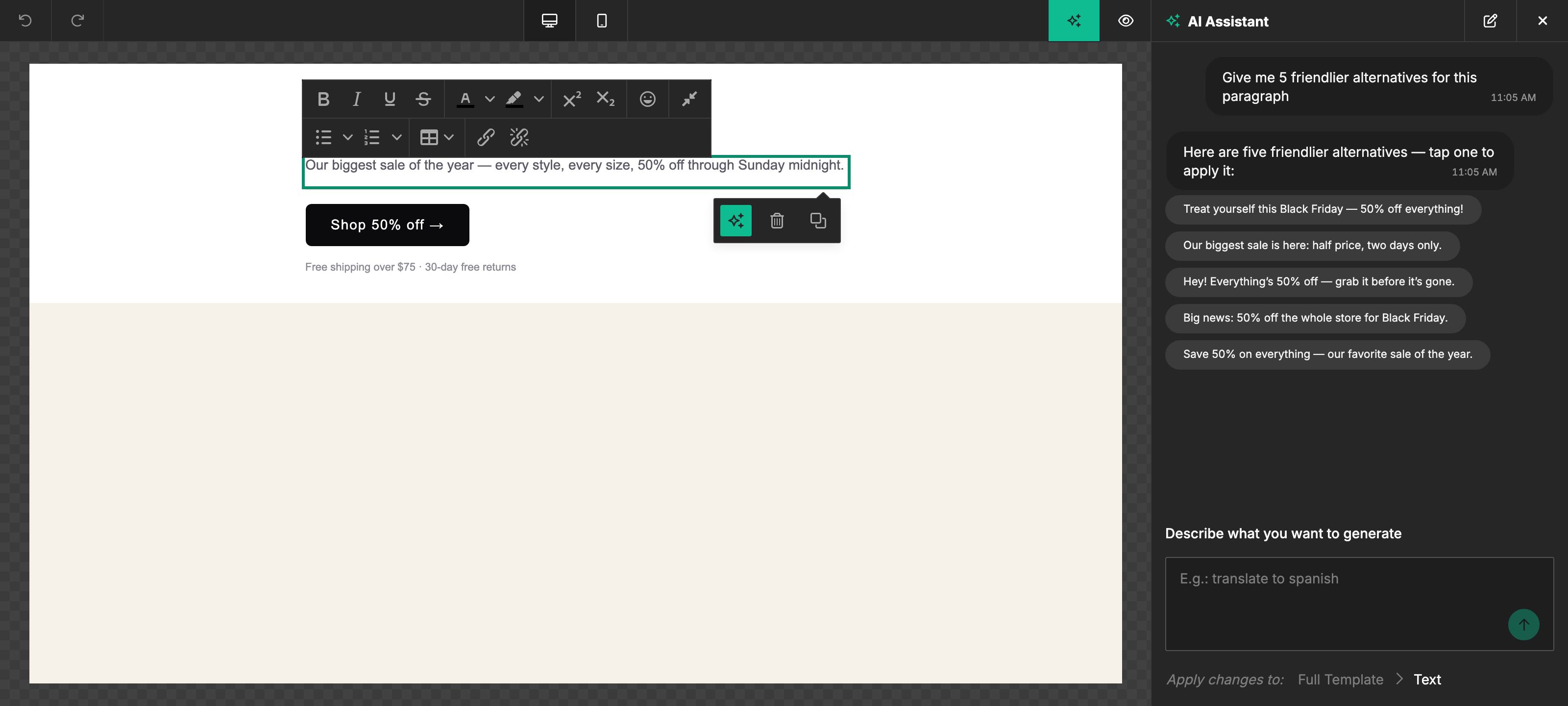
Picking from multiple suggestions

AI Assistant chat reply showing five clickable pill buttons, each an alternative rewrite of the selected paragraphAI Assistant chat reply showing five clickable pill buttons, each an alternative rewrite of the selected paragraph

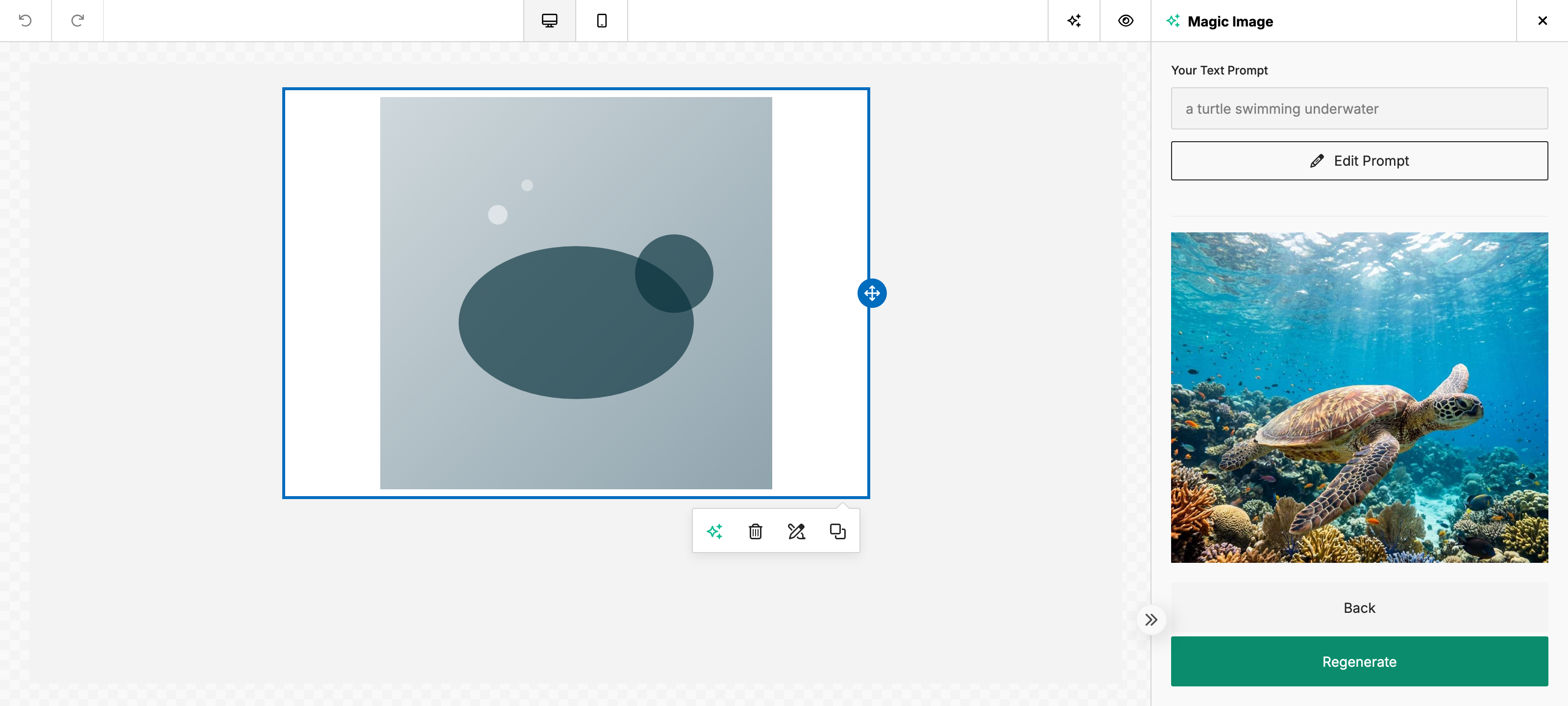
Generating an image

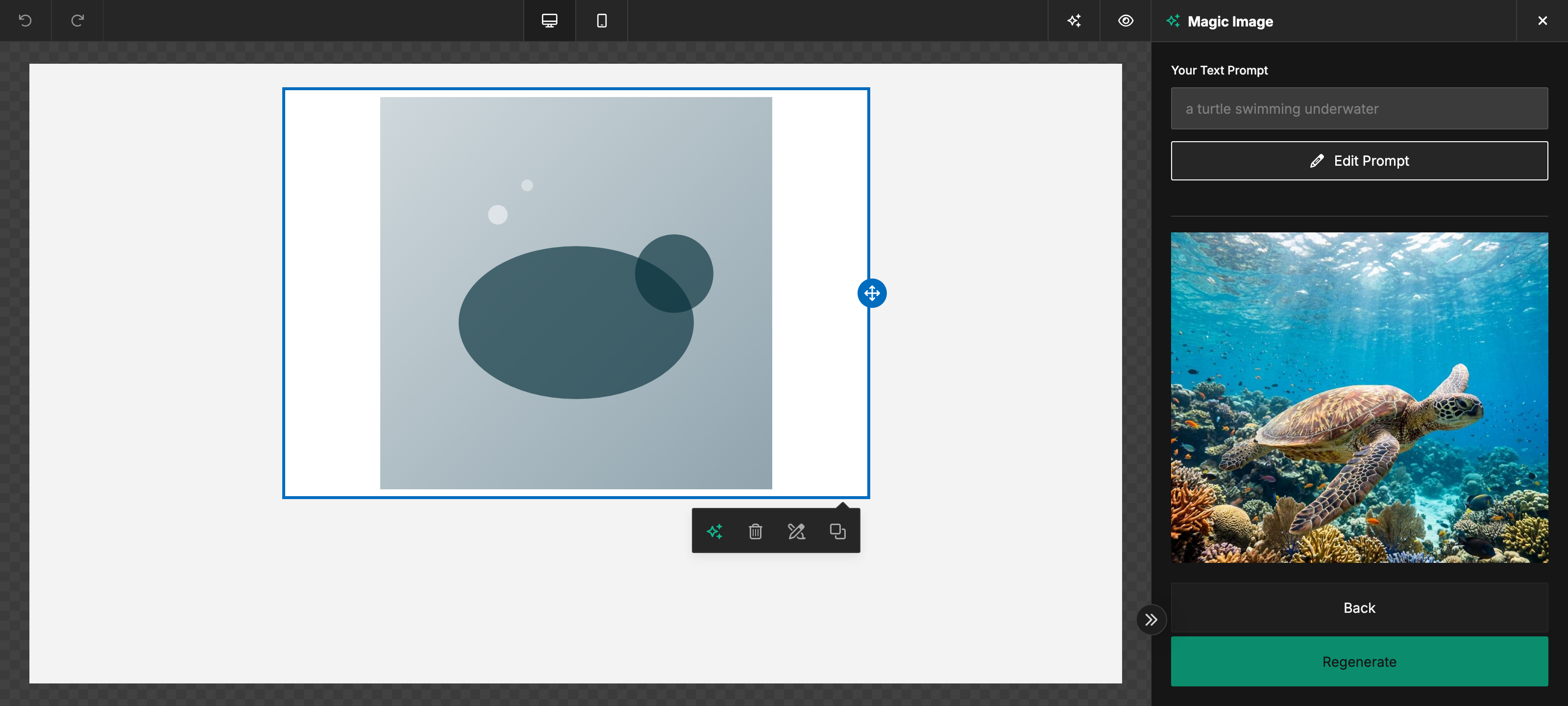
Image generation panel with a prompt, a style picker row, and a grid of AI-generated candidate imagesImage generation panel with a prompt, a style picker row, and a grid of AI-generated candidate images