
Setup
This feature is only available in paid plans. Learn More
The AI Assistant appears in the editor's mode switcher when these requirements are met:
- Plan — your project must be on a paid plan that includes the AI Assistant. Plans are managed in Console. If the project isn't on an eligible plan, the assistant stays hidden regardless of the feature flags.
- Project — pass the numeric Unlayer Project ID as
projectId. - Feature flags — neither
features.ai.enablednorfeatures.ai.assistantcan befalse. - End-user identification — the init must identify the current end-user by passing a
userobject with anid. Without it, the assistant stays hidden and AI requests are rejected by the server. See End-User Identification.
Minimum config
Use one complete initialization that includes the project, end-user, and AI Assistant flags:
unlayer.init({
  id: 'editor-container',
  projectId: 1234, // Replace with your numeric Unlayer Project ID
  user: {
    id: 'user-123', // Required for the AI Assistant
  },
  features: {
    ai: {
      enabled: true,
      assistant: true,
    },
  },
});
Don't have a Project ID yet? Sign in to the Developer Console, create a project, and copy the ID from Project > Settings. The full walkthrough — adding the embed script, creating the container, and finding the Project ID — is on the Installation page.
Verifying it's enabled
When these requirements are met, the AI Assistant becomes available from the editor's mode switcher; selecting it opens a dedicated chat panel on the side of the canvas.
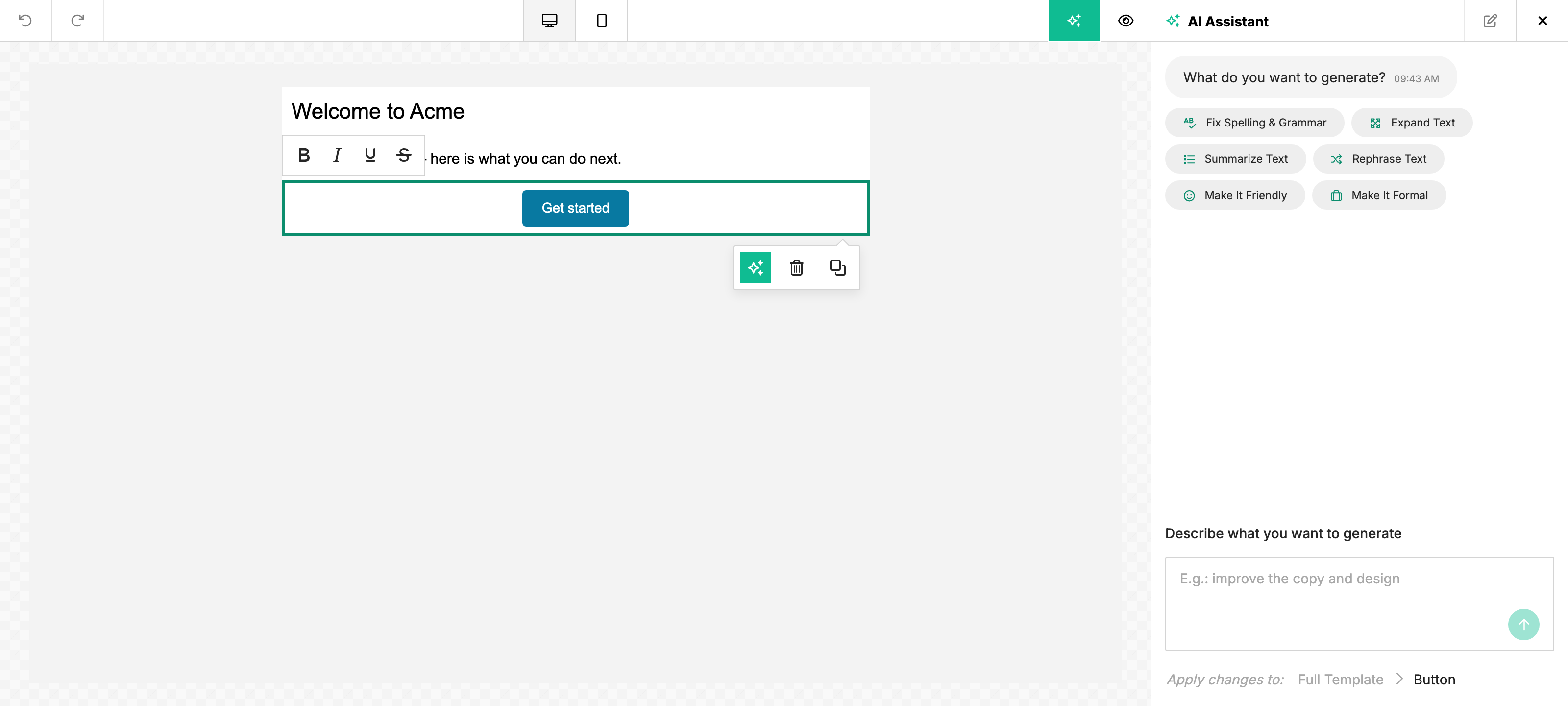
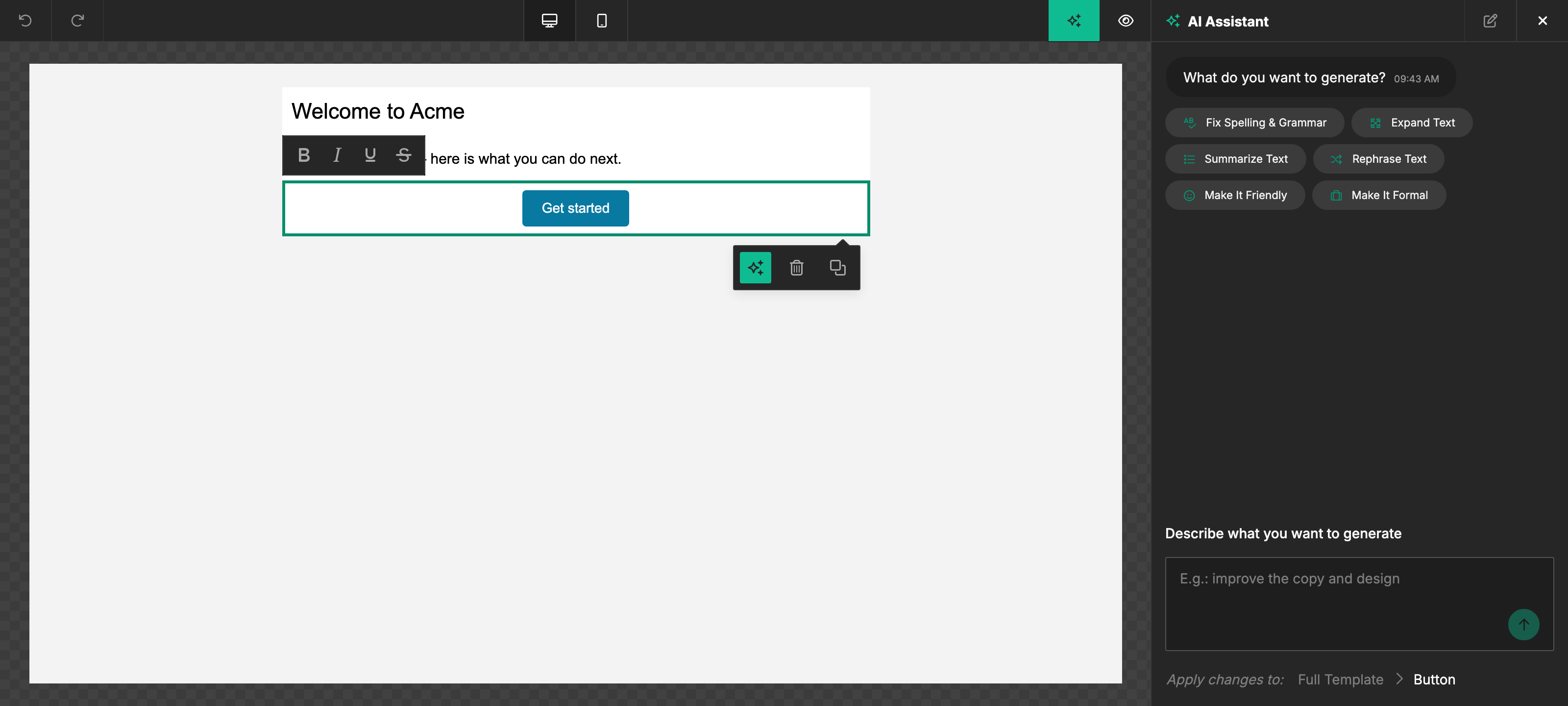
If the assistant doesn't appear:
- The most likely cause is that the project's plan doesn't include the AI Assistant. Check the plan in Console or contact support.
- Confirm neither
features.ai.enablednorfeatures.ai.assistantisfalse. - Confirm the init passes a
userobject with anid— the assistant is hidden when no end-user is identified. See End-User Identification.
Testing in development
Credits are pooled at the workspace level, so dev, staging, and production projects in the same workspace share one monthly usage bucket. There is no separate unmetered dev tier. If Billing offers your workspace a one-time 5,000-credit welcome bonus, someone with billing access must claim it; the card shows its expiration date before the claim. The offer appears only when the current plan, subscription status, and AI feature eligibility qualify; current Free and legacy plans do not qualify. Eligibility to buy a paid credit pack is separate, and the grant does not unlock AI features that the plan excludes. Grandfathered uncapped workspaces keep metering AI without pausing requests or creating overage charges. See Pricing.
Disabling per init
Set features.ai.assistant: false on a specific unlayer.init call to hide the assistant in that editor instance only — useful for embedding the same project in multiple surfaces and wanting the assistant off in some of them.
unlayer.init({
  features: {
    ai: {
      enabled: true,
      assistant: false,
    },
  },
});
This applies to everyone who loads that editor. To allow the assistant for some end-users and not others, sign the permission on your own server and pass it as user.featurePolicyToken — see Restricting Features Per End-User.
Optional: Chat history scope
The Assistant shares one conversation across the current design by default. Selecting another button, heading, image, or row keeps the history visible, and the next prompt targets the current selection. Earlier messages remain available as context. New chat clears the conversation; loading a different design or reloading the editor also clears it. History is kept only for the current editor session.
To restore a separate conversation for each element, set the optional chatHistoryScope:
unlayer.init({
  projectId: 1234,
  user: { id: 'user-123' },
  features: {
    ai: { chatHistoryScope: 'element' }, // 'design' is the default
  },
});
This setting changes conversation history only. It does not grant AI access or change which selected element an edit targets. Stopping a running turn still stops the original request even if the selection changes; an image's Undo change action still restores its original target.
Optional: Image actions
Image generation and editing are available with AI Assistant access. The features.ai.image object and every option inside it are optional; existing initialization code continues to work. To keep text/design assistance while disabling image actions:
unlayer.init({
  projectId: 1234,
  user: { id: 'user-123' },
  features: {
    ai: { enabled: true, assistant: true, image: { enabled: false } },
  },
});
Uploads, generation, editing, online search, automatic alt text, and design image targeting each have their own controls. Online search also requires stock-image access. See Configure image actions for the full configuration and how the attachment menu interacts with template import.
Optional: Template Importer
features.ai.templateImporter adds an Import from HTML or image action to
the full-template Assistant composer. It defaults to false, so it is off in
the minimum config above, and it also needs features.ai.fullTemplateGeneration
not to be false. Set it per unlayer.init call for the sessions that should
offer imports. See
AI Template Importer → Embedded builder access.
Related
- FAQ & Troubleshooting — common questions about visibility, plans, opt-out, and dev credits.
- AI Template Importer — offering HTML and screenshot imports inside the embedded Assistant.