
Row
Paid Feature
This feature is only available in paid plans. Learn More
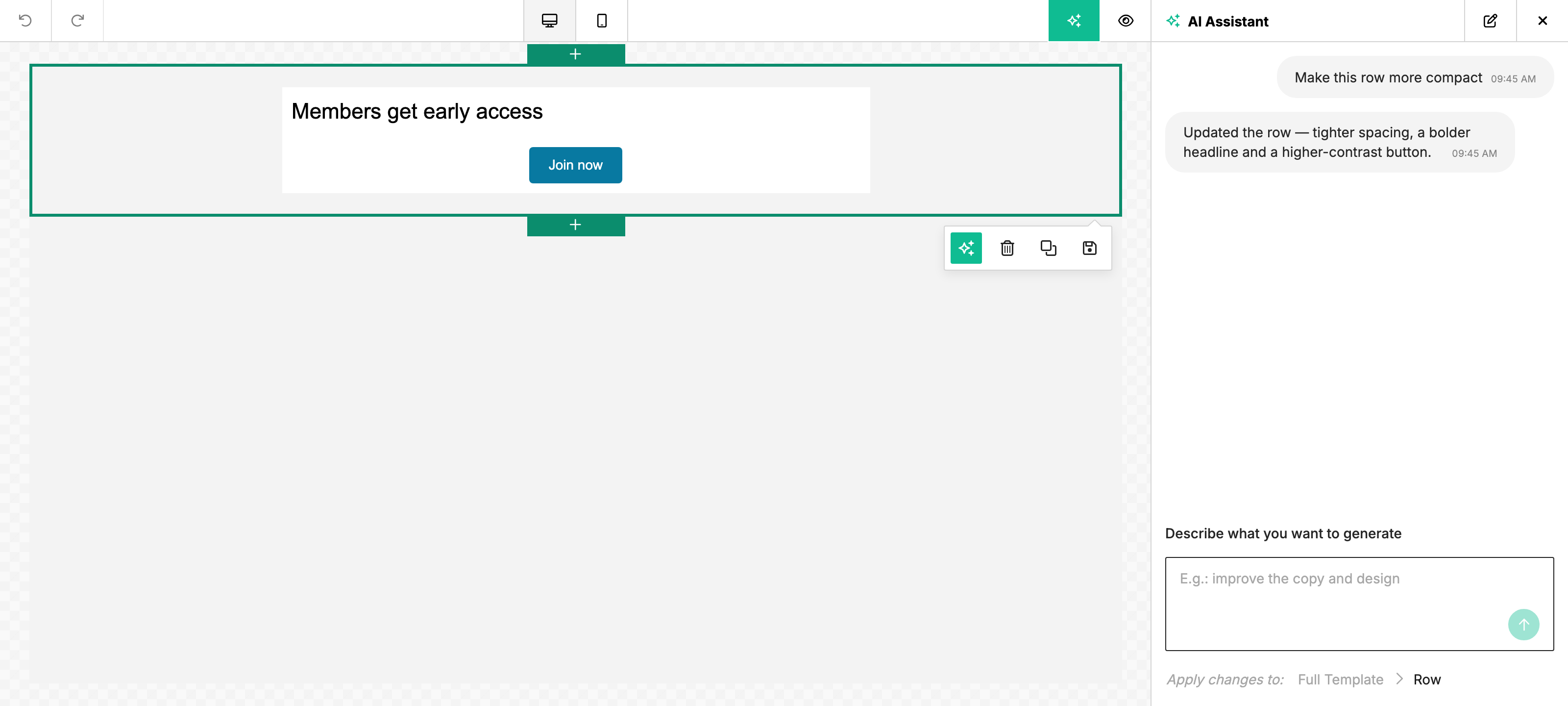
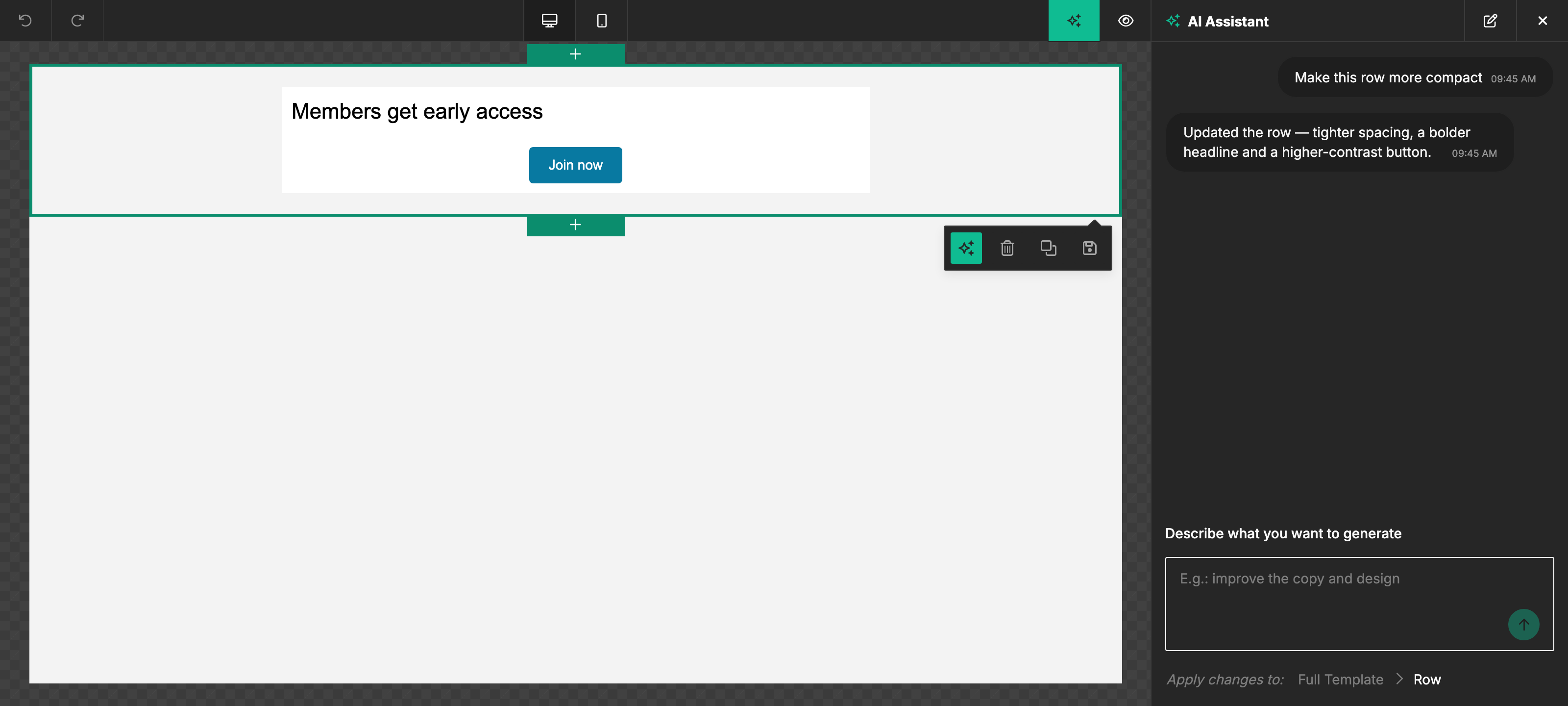
When the user selects a Row, the AI Assistant operates on the whole container — every column, every content block inside it — in a single turn. Useful for changes that need to be consistent across multiple blocks at once: translation, restyling, swapping layouts, regenerating around a new product.
How users access it
- Select the row on the canvas — the layer control surfaces a Sparkles button. Clicking it opens the AI Assistant scoped to that row.
- Or open the AI Assistant chat and ask while the row is selected ("translate this entire row to Spanish", "restyle this row to be dark mode").
What it can do
- Translate the whole row — "translate this row to French, keep the merge tags." Every content block — text, button labels, headings, alt text — comes back in the target language.
- Restyle / re-tone — "make this row darker and more enterprise", "give this row a friendlier voice." The assistant rewrites copy across the row to match.
- Swap the layout — "turn this row into a 2-column hero with the image on the left." The assistant restructures cells and columns while preserving the underlying content.
- Regenerate content — "keep the layout, but redo the copy as if this is for Black Friday." Layout stays, content blocks come back rewritten.
- Targeted edits across multiple blocks — "replace every CTA in this row with a single one at the bottom", "swap both images for product shots."
When to use it instead of per-block edits
Per-block edits (text, button, heading, image) are faster and cheaper for single-element tweaks. Reach for row-level edits when:
- You need consistency across blocks — same tone, same translation, same restyle applied to several content items at once.
- You need to restructure the row's layout, not just its copy.
- You're doing a batch of related edits and would otherwise click between blocks one at a time.
For changes that touch the whole design (cross-row restyle, regenerate entire email), use Full Template instead.
Related
- Text — single-block edits for text, button, and heading tools.
- Image — image generation, editing, and alt text.
- Full Template — whole-design edits in one turn.
- AI Assistant overview — what the assistant does and where users find it.